

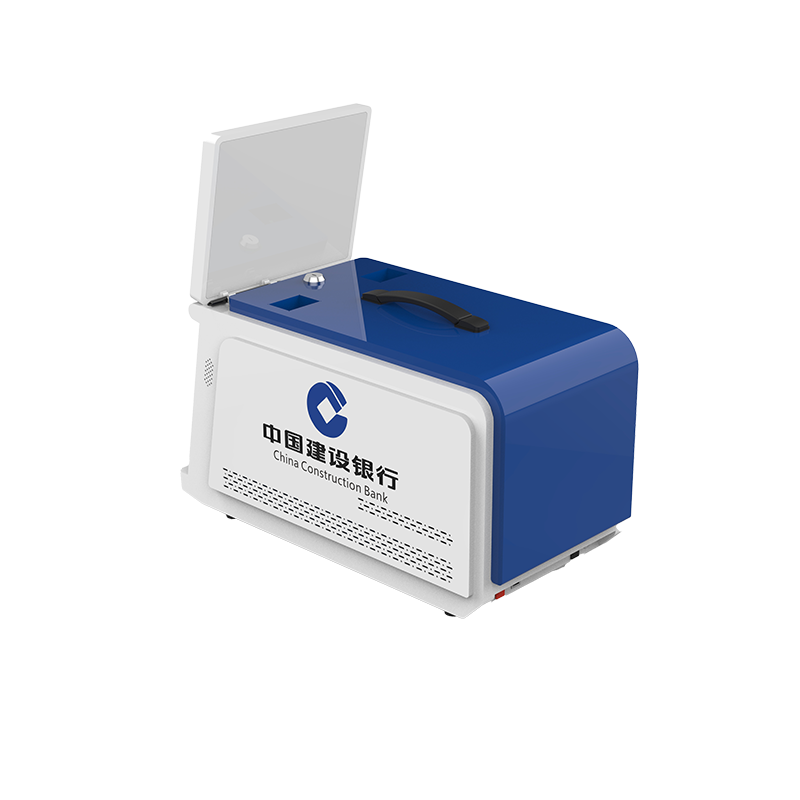
If guests wait at the front desk to verify passports, complete payments, and collect room cards, your hotel can face unnecessary queues during busy check-in periods. A hotel self check in kiosk with card dispenser can combine these tasks in one compact desktop system. For hotels, resorts, and hospitality technology providers, the key is not simply choosing a touchscreen kiosk, but selecting hardware that supports card dispensing, identity verification, payment, and software integration. Shenzhen Xingtongda Information Technology Co., Ltd. (XTD) develops OEM/ODM self-service terminals that can be configured for different hotel workflows and project requirements.
What Is a Hotel Self Check-in Kiosk with Card Dispenser?
A hotel self check in kiosk with card dispenser allows guests to complete selected check-in procedures without relying entirely on reception staff. Depending on your software and configuration, the kiosk can verify guest information, scan passports, process payments, and issue a hotel key card.
XTD’s desktop model uses a 15–32-inch PCAP multi-touch display and supports Windows, Android, or Linux. You can also integrate optional hardware according to your project.
Key functions include:
- Hotel key card dispensing with intelligent dispensing and error detection
- Passport and document scanning for guest verification
- Credit/debit card, NFC, QR code, and POS payment
- 10-point PCAP multi-touch operation
- Ethernet, Wi-Fi, and optional 4G/5G connectivity
- SDK integration for customized hotel applications
- Optional receipt printer, camera, facial recognition, and biometric modules
Why Use a Hotel Self Check-in Kiosk?
A self-service check-in process can help you reduce repetitive front-desk tasks while giving guests more control over arrival procedures. It is particularly useful when your hotel experiences peak arrivals, late-night check-ins, or limited reception staffing.
For example, a guest can scan a passport, confirm booking information through your hotel application, complete payment, and receive a programmed room card from the same terminal. Your staff can then focus on exceptions, guest assistance, and service requests rather than repeating routine transactions.
The same hardware architecture can also support airports, lounges, telecom stores, financial institutions, and other card-issuing environments, depending on the software and installed modules.
Hotel Self Check-in Kiosk Hardware and Specifications
The hardware configuration directly affects reliability, integration, and long-term maintenance. XTD provides several processor and storage combinations so you can select a configuration according to your application.
| Feature | XTD Hotel Check-in Kiosk |
|---|---|
| Display | 15–32-inch PCAP multi-touch |
| Processor | Intel i3/i5/i7, J1900, J4125 or ARM RK3288/RK3399/RK3568 |
| Operating System | Windows 10/11, Linux, Android 7–11 |
| RAM | 4GB / 8GB / 16GB / 32GB |
| Storage | 128GB / 256GB / 512GB SSD or 1TB HDD |
| Connectivity | Ethernet, Wi-Fi, optional 4G/5G |
| Material | 1.6mm cold-rolled steel |
| Installation | Desktop / Countertop |
| Optional Modules | Passport scanner, NFC, printer, camera, POS, biometrics |
XTD also operates a professional sheet-metal production workshop with Bystronic 4000KW and 3000KW laser cutting equipment, CNC bending machines, riveting machines, welding equipment, production lines, testing lines, and aging lines. These facilities support the manufacturing and quality-control requirements of customized kiosk projects.
How to Deploy a Hotel Card Dispenser Kiosk
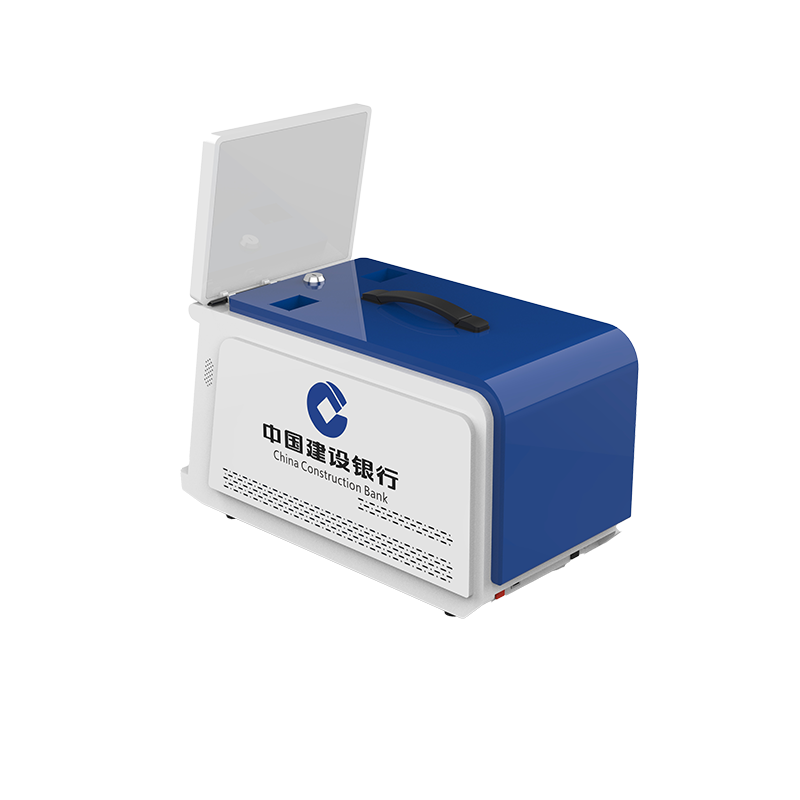
Before ordering an OEM hotel check in kiosk, you should define the complete workflow rather than selecting hardware based only on screen size.
1. Define the guest check-in process
Determine whether guests need passport scanning, ID verification, payment, facial recognition, or other verification steps.
2. Select the card dispensing system
Choose the appropriate card reader and dispenser based on your hotel key card type, dispensing capacity, and software interface.
3. Configure payment hardware
You can integrate EMV card readers, NFC modules, QR payment, or compatible POS terminals according to your payment environment.
4. Confirm software integration
Select Windows, Android, or Linux and confirm SDK/API requirements with your hotel PMS, payment platform, and card-encoding system.
5. Test the complete workflow
Before mass production, test document recognition, payment, card dispensing, printing, network communication, and software integration together.
What Should You Compare Before Buying?
Not every self service hotel check in kiosk has the same hardware configuration. You should compare the following factors before placing an OEM/ODM order:
- Card compatibility: Confirm the card format, encoder, dispenser, and issuing process.
- Payment integration: Check whether your preferred EMV, NFC, QR, or POS solution can be integrated.
- Document recognition: Verify passport and ID scanning requirements for your target markets.
- Operating system: Make sure the selected Windows, Android, or Linux environment supports your application.
- Physical installation: Desktop and countertop designs can be useful where floor space is limited.
- Customization: Confirm enclosure dimensions, logo, color, components, interfaces, and software integration requirements.
- Compliance: If payment functions are included, specify the required EMV-certified reader and PCI-compliant keypad configuration with your project supplier.
FAQ
Can the kiosk issue hotel key cards automatically?
Yes. The XTD model can be configured with a card reader/dispenser for hotel key cards. The exact card type, dispenser, encoder, and software interface should be confirmed during project development.
Can a hotel check-in kiosk scan passports?
Yes. A passport or document scanner can be installed as an optional module. This allows your application to capture and verify guest document information as part of the check-in workflow.
Can XTD customize the hotel kiosk?
Yes. Shenzhen Xingtongda Information Technology provides OEM/ODM services. You can customize hardware modules, enclosure design, display size, operating system, connectivity, card dispensing, payment components, and other project-specific requirements.
Conclusion
A hotel self check in kiosk with card dispenser can combine guest verification, payment, self-service check-in, and hotel key card issuing in one compact terminal. With a 15–32-inch touchscreen, multiple processor options, Windows/Android/Linux support, passport scanning, payment modules, and customizable card dispensing, XTD provides a flexible platform for hotel automation projects. Its manufacturing workshop, production testing processes, and OEM/ODM capabilities also allow you to develop a configuration around your actual hotel workflow instead of adapting your operation to fixed hardware.
