• Te fare
  • Hotu
    • Te faanahoraa no te faarava'iraa ia'na iho
    • Te matini hi'opo'araa ia'na iho
    • Te matini no te aufauraa ia'na iho
    • Te mau tareta no te taata iho
    • ATM
    • Te matini hi'opoaraa i te oraora - maitai -
  • No ni'a ia tatou
  • TE MAU NOTA
  • A farerei mai ia matou
  • Reo Mā`ohi'
    • English
    • العربية
    • 中文(简体)
    • Français
    • Deutsch
    • Português
    • Русский
    • Reo Mā`ohi'
Ma'imi
Tabula ohipa
0 Te mau nota $0.00
smart weighing checkout machines
A pata no te faarahi
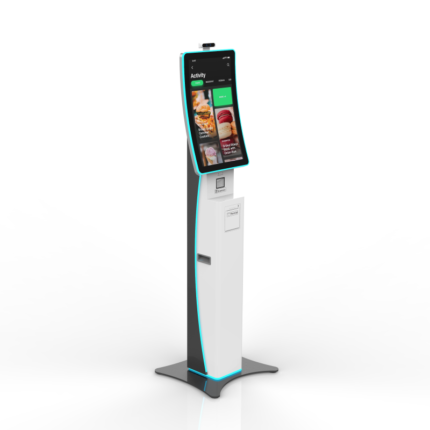
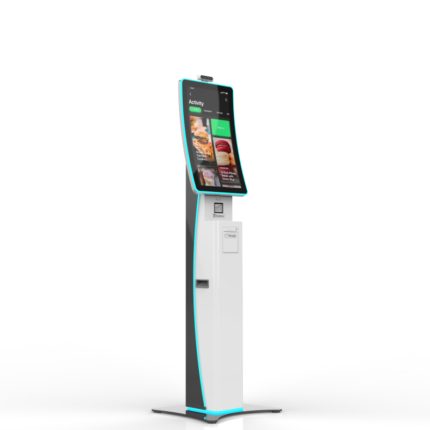
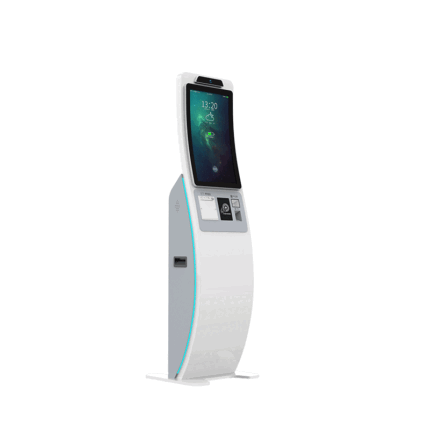
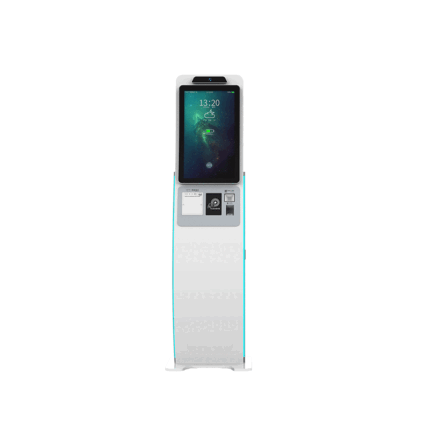
Te fare Te faanahoraa no te faarava'iraa ia'na iho Te mau hoho'a i patahia i nia i te paruai o te mau tao'a e vai ra i roto i te afata teata
Te mau mana'o tauturu no te haapiiraa
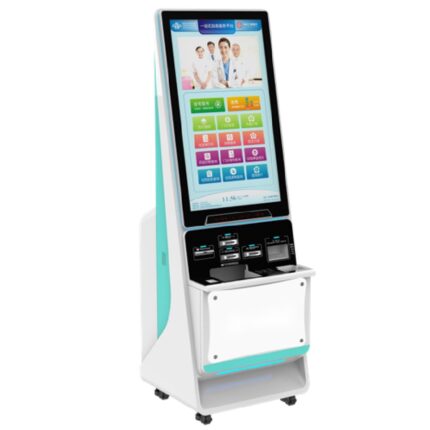
Te mau mana'o tauturu no te faatereraa ia'na iho no te mau fare ma'i: Te mau rave'a atoa no te hi'opo'araa i te mau haamaramaramaraa vitiviti, Te neneiraa i te mau parau faataa oioi, e te mau Pû Utuuturaa Ma'i
Te ho'iraa i te mau tao'a
Kiosk Manufacturer 21.5 Hoho'a patahia i ni'a i te paruai SIM Card, te hoê matini roro uira e tere ra na ni'a i te manureva

Te mau hoho'a i patahia i nia i te paruai o te mau tao'a e vai ra i roto i te afata teata

  • Imere:zhangbao@sz-xtd.com
  • Imere:zhangbao@sz-xtd.com
TUHAA HAAPIIRAA 3 API 28 - 2!
Category: Te faanahoraa no te faarava'iraa ia'na iho
Faaite:
  • Faataaraa
Faataaraa

Faataaraa no te mau hoho'a

Te mau matini hi'opo'araa

Dual Screen Intelligent Commodity Scale

"Double the display, double the convenience—smart scales for a smarter business "


Te mau tuhaa taa ê


  • Te aravihi rahi atu â: With information displayed on both sides, cashiers can quickly verify pricing and weight, reducing errors and speeding up the checkout process.

  • Improved Flexibility: Dual screens can display different types of information—such as promotions or product details—on the customer-facing side, while providing operational data to the cashier side.

  • Increased Accuracy: With clear, real-time visibility of data on both screens, the likelihood of miscommunication or mistakes in pricing and measurements is significantly reduced.

  • Future-Proof Technology: Dual-screen scales can integrate with modern retail systems, providing a scalable and adaptable solution for evolving business needs, including payment processing, inventory tracking, and customer loyalty programs.

  • Improved Customer Engagement: With the ability to show real-time product information or interactive content on the customer-facing screen, businesses can enhance customer engagement during the purchase process.

Te mau matini hi'opo'araa

Parameter

RAM (haamana'oraa)DDR3 4G / 8G / 16G
Hard Disk (SSD)64G/ 128G / 256G
Operating systemWindows 10 trial version
Main screen15.6inch brand new screen (touch)
Faaotiraa15.6inch brand new screen (non-touch)
Hoho'a pia1366*768 (1920*1080 optional)
WifiWiFi module/8821/2.4G+5G/with Bluetooth
Printer58mm thermal receipt printer
Scale bobyJSJ01
Weighing range15k or 30kg
Minimum graduation value5g
Minimum weight5g
Bluetoothhave
Taata a'ohave
CameraAI intelligent recognition camera
Touch InterfaceUSB

Te mau tao'a tu'ati

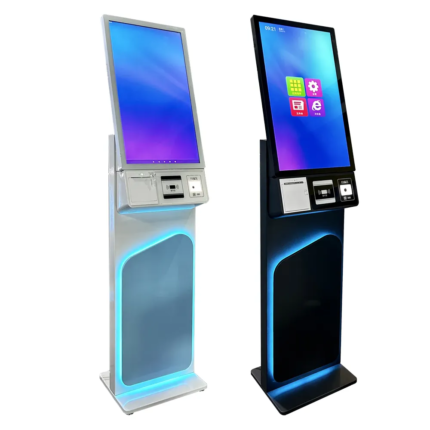
Smart Android Touch Payment Terminal Interactive Restaurant Self-Ordering Machine with QR and NFC Cashless Checkout

Te faanahoraa no te faarava'iraa ia'na iho
TUHAA HAAPIIRAA 3 API 28 - 2!
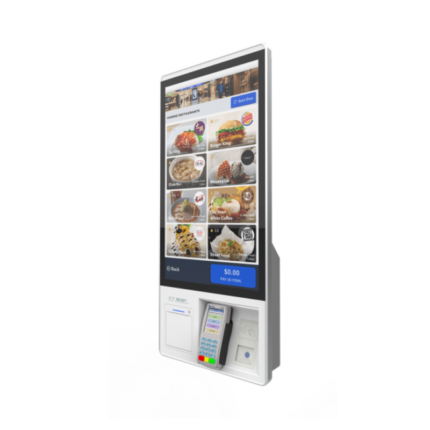
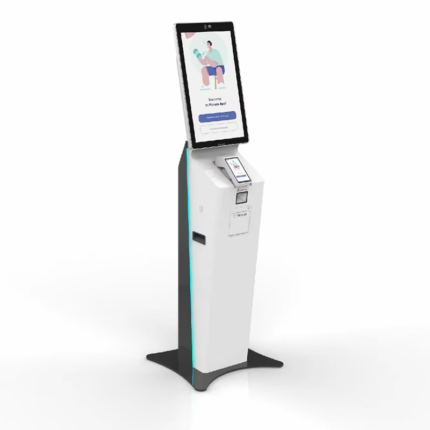
The Smart Android Touch Payment Terminal is a high-performance interactive self-ordering kiosk built to transform the restaurant and retail checkout experience.
Powered by the Android operating system, it supports menu browsing, order submission, and multiple payment options, including QR, NFC, and POS card transactions.

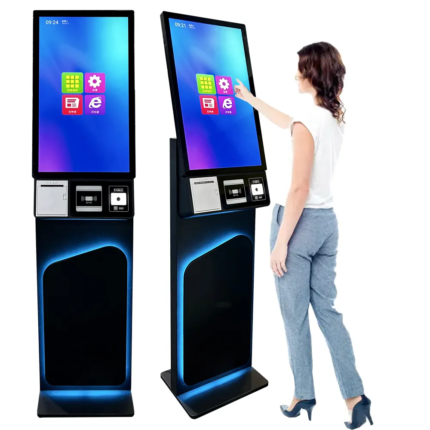
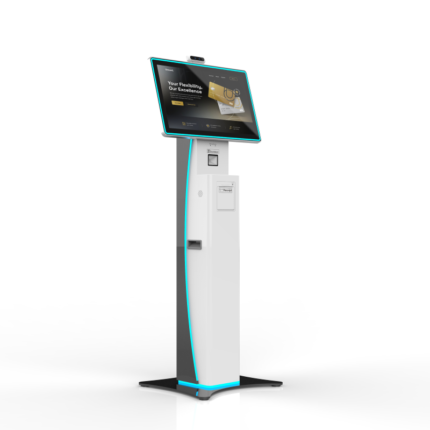
21.5 Inch Touch Screen Kiosk Self Checkout Machine Payment Terminal Kiosk Printer Self Service Ordering Kiosk for Kfc/Restaurant

Te faanahoraa no te faarava'iraa ia'na iho
TUHAA HAAPIIRAA 3 API 28 - 2!
  1. All-in-one self-service payment terminal for fast settlement and labor cost reduction

  2. Supports QR code payments

  3. Optional facial payment module

  4. Compatible with mainstream external POS devices

  5. Wall-mounted and floor-standing installation options (wall-mounted by default)

Interactive 22 Android Wifi Restaurant Checkout Food Touchscreen Outdoor Self Service Ordering Stand Machine Payment Kiosk

Te faanahoraa no te faarava'iraa ia'na iho
TUHAA HAAPIIRAA 3 API 28 - 2!
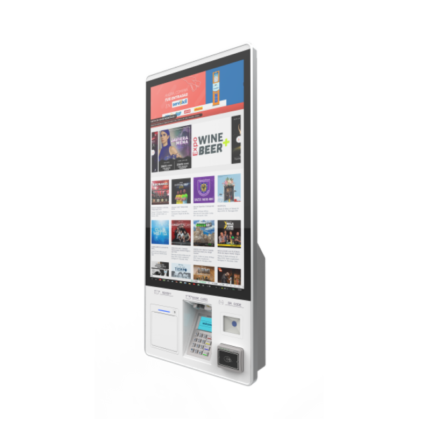
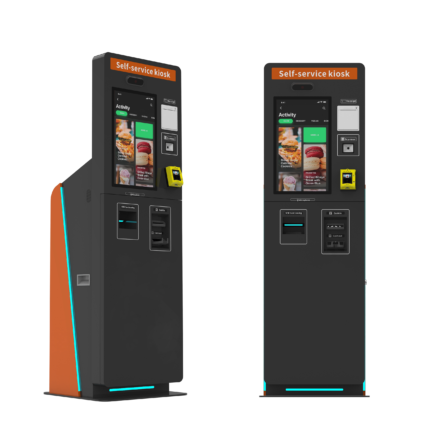
The Interactive 22 Android WiFi Restaurant Checkout Kiosk is a compact and durable self-service ordering and payment terminal designed for restaurants, cafés, and food service venues.
Equipped with a 22-inch capacitive touch display, high-performance Android system, and built-in WiFi connectivity, this food ordering kiosk offers smooth and efficient customer interaction.

32 Inch All-in-One Touch Screen Kiosk with USB & RJ45 Android Self-Service Terminal for Restaurant & Te titeti

Te faanahoraa no te faarava'iraa ia'na iho
TUHAA HAAPIIRAA 3 API 28 - 2!
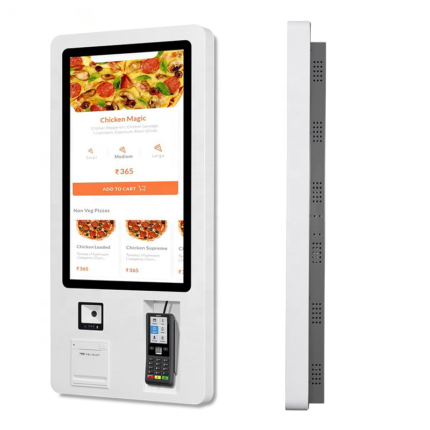
This 32-Inch All-in-One Touch Screen Kiosk is a versatile and streamlined Android-based self-service terminal tailored for restaurant ordering, ticketing and service payment.
Featuring USB, RJ45 network support and full HD touch display, it supports multi-language operation, flexible deployment, and strong compatibility.

ODM OEM Self Ordering Kiosk with Touch Screen and QR Code Scanner for Restaurant Self Checkout and Supermarket Payment Terminal

Te faanahoraa no te faarava'iraa ia'na iho
TUHAA HAAPIIRAA 3 API 28 - 2!
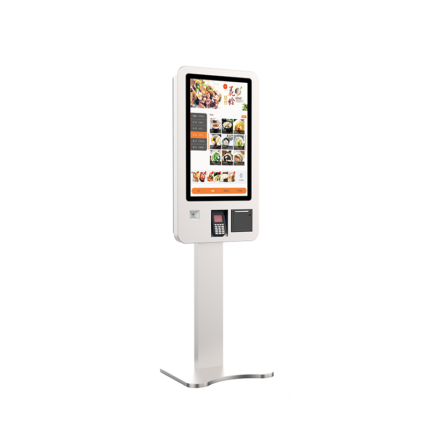
The Self-Ordering Kiosk with Touch Screen and QR Code Scanner is an advanced ODM/OEM self-service terminal designed for restaurants, supermarkets, and cashless retail environments.
It allows customers to independently browse menus, place orders, and complete payments using QR codes, NFC, or POS terminals.

Te faanahoraa no te faaoraraa ia'na iho, a amu i te maa au maitai ma te tia'i ore

Te faanahoraa no te faarava'iraa ia'na iho
TUHAA HAAPIIRAA 3 API 28 - 2!
Product Details Place of Origin: Shenzhen, China Packaging:PE bag+PE foam+wooden box Industrial control motherboard:Onboard Intel I5, 510.PH&PF 108:13., VGA, HDMI, TE MAU NOTA
Te mau mana'o tauturu no te haapiiraa

Te aufauraa i te tuhaa ahuru e te aufauraa i te tuhaa ahuru, Ma'itiraa i te piha, e te mau mana'o faufaa rahi

Te faanahoraa no te faarava'iraa ia'na iho
TUHAA HAAPIIRAA 3 API 28 - 2!
Hoho'a no te mau hoho'a i patahia i ni'a i te paruai e 26.6-inch i ni'a i te paruai hi'opo'a ia'na iho, e to'na mau hopearaa teitei, te hoho'a apî e te mau ti'araa maramarama, ua horo'a i te hoê

Te mau rave'a apî no te mau rave'a apî

Te faanahoraa no te faarava'iraa ia'na iho, Te matini no te aufauraa ia'na iho
TUHAA HAAPIIRAA 3 API 28 - 2!
Cash in/out :Te vai ra (Ua ma'itihia) Te faaapîraa i te mau tauihaa : Te vai ra (Ua ma'itihia) QR Code scanner : Te vai ra (Ua ma'itihia) Hoho'a pia : Customized Rceipt printer : Te vai ra (Te mau mana'o tauturu no te haapiiraa) Te feia e farii nei, a faaite mai......

Manava i te haapii no nia i ta tatou mau tao'a

A pee mai ia matou

O tatou te taata hamani matamua i te fenua Taina, e nehenehe ta tatou e horo'a i te taviniraa OEM/ODM, e a horo'a mai ia outou i te mau tao'a maitai roa.

  • TE MAU TUMU PARAU HAAPIIRAA
    • Te fare
    • Hotu
    • No ni'a i te
    • Te mau parau apî
    • Hi'oraa
    • Farereiraa
  • NO NI'A IA TATOU
    • No ni'a ia tatou
    • Ta tatou mau vahi maitai
    • Te huru o te taiete
    • Te mau parau faaite
  • TE MAU PAPA'IRAA MO'A
    • Te faanahoraa no te faarava'iraa ia'na iho
    • Te matini hi'opo'araa ia'na iho
    • Te matini no te aufauraa ia'na iho
    • Te mau tareta no te taata iho
    • ATM
    • Te matini hi'opoaraa i te oraora - maitai -
  • TE MAU NOTA
    • Te mau parau apî o te taiete
  • A PARAPARAU MAI IA MATOU
    • Niuniu:+86 133 8712 5306
    • Niuniu:+86 187 6887 4385
    • Imere:warner@sz-xtd.com
    • Imere:yunying@sz-xtd.com
    • Vahi nohoraa:Paturaa 20, Aita. 172 Xiangshan Street, Te oire no Luotian, Yanluo Street, Shenzhen, Guangdong, Taina
Niuhia i ni'a i te WoodMart parau tumu 2024 Te mau tumu parau faufaa roa ' ' e.
  • Tabula ohipa
  • Te mau tuhaa
  • Te faanahoraa no te faarava'iraa ia'na iho
  • Te fare
  • TE MAU PARAU APÎ O TE EKALESIA
  • TE MAU NOTA
  • Portfolio
  • No ni'a ia tatou
  • A farerei mai ia matou
  • Login / Tapa'oraa
Te hoo - haere - raa i te pereoo
Opani
A haamata i te patapata no te hi'o i te mau tao'a ta outou e imi ra.

Te tuatapaparaa i te huru o te tao'a

Te mau hoho'a
0 Te mau nota Cart
Ta'u aamu
  • ↓
  • A farerei mai ia matou

    Parau farereiraa

  • Niuniu
  • WhatsApp
  • Rata uira