

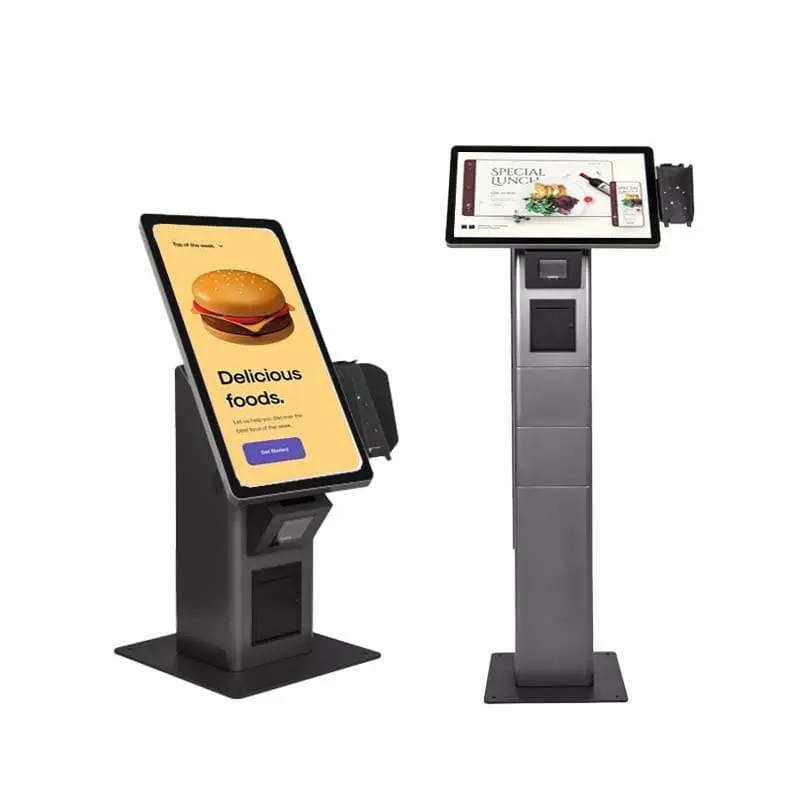
A long checkout queue, repeated manual orders, and slow receipt processing can reduce customer satisfaction and increase the workload on your staff. A self service kiosk with receipt printer helps you streamline these tasks by combining touchscreen interaction, ordering, scanning, and printing in one terminal. Instead of relying entirely on staff for every transaction, you can let customers complete supported operations independently.
Shenzhen Xingtongda Information Technology Co., Ltd. (TE MAU PARAU APÎ O TE EKALESIA) develops self-service terminals and intelligent equipment for businesses across multiple industries. Its desktop and vending kiosk solution is designed for restaurants, cafés, retail stores, and ticketing environments. With configurable peripherals and OEM/ODM options, you can adapt the hardware to your operating requirements and existing service workflow.
What Is a Self Service Kiosk with Receipt Printer?
A self-service kiosk with a receipt printer is an interactive terminal that allows customers to complete supported transactions and receive printed receipts without depending on a staff member for every step. Depending on the installed software and peripherals, the kiosk can support product selection, order submission, barcode scanning, payment workflows, and receipt printing.
For example, a quick-service restaurant can use the terminal to collect orders, while a retail business can integrate a barcode scanner for product identification. A ticketing counter can also use compatible software and hardware to support customer transactions.
The actual functions depend on the software, connected payment devices, and selected configuration.
Key Features of XTD’s Self Service Ordering Kiosk
1. Full HD Touchscreen for Customer Interaction
The listed product specifications describe a 21.5-inch TFT LED display with a 1920 × 1080 resolution and a 10-point capacitive touchscreen. Its stated viewing angles are 170° horizontally and 160° vertically, helping customers interact with the interface from different positions.
These specifications suit applications that require customers to navigate menus, select products, or review transaction details.
2. Integrated Printing and Barcode Scanning Options
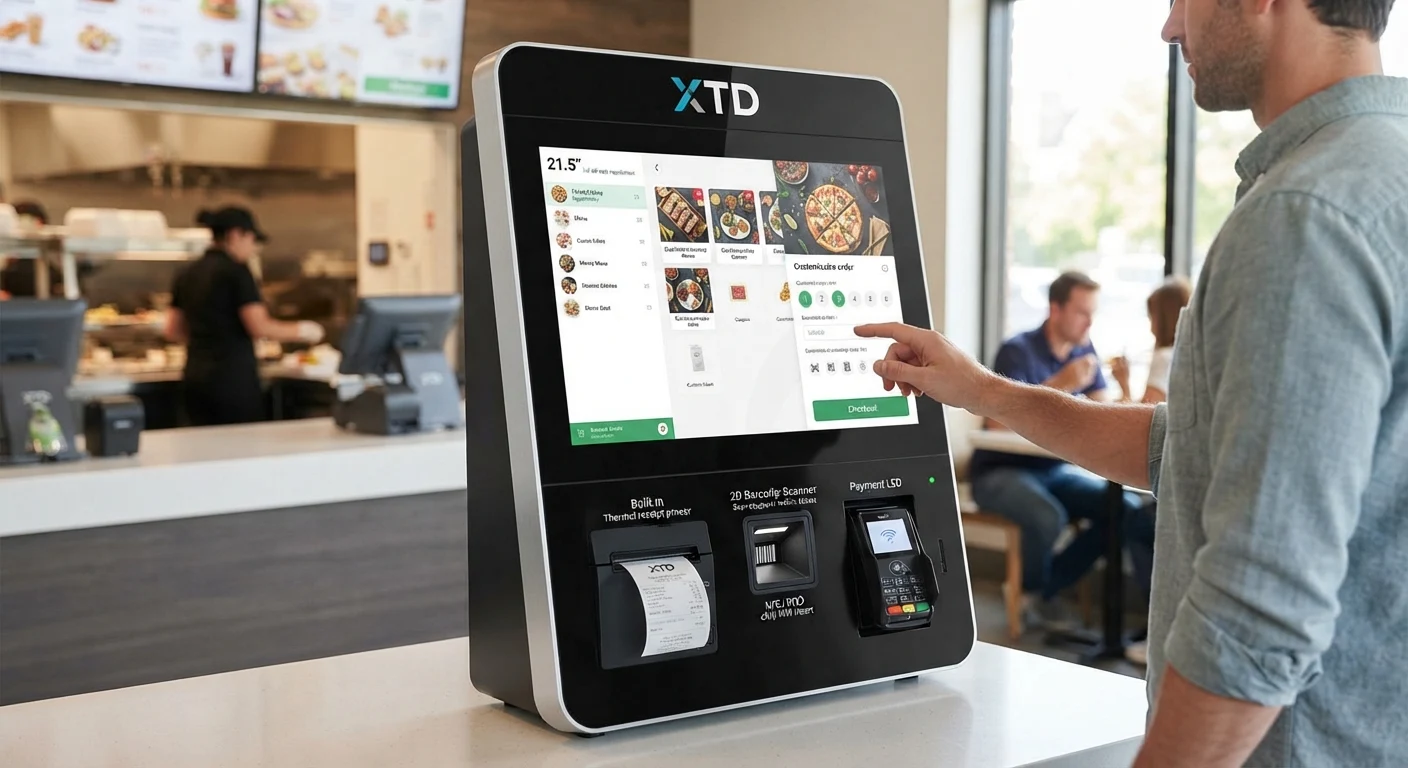
A self-service terminal becomes more useful when you configure it for the tasks your customers perform most frequently. XTD lists several optional peripherals, including a receipt printer, barcode scanner, VFD display, and cash drawer.
Depending on your requirements, you can configure the kiosk to support:
- Receipt printing for completed transactions.
- Barcode scanning for product identification.
- Cash drawer integration for compatible checkout workflows.
- Additional display functions for transaction information.
- Wi-Fi and Bluetooth connectivity where supported by the configuration.
Confirm printer interfaces, scanner compatibility, and payment hardware requirements before placing an order.
3. Practical Computing and Power Specifications
The listed configuration includes an Intel Core i3 third-generation processor, 4GB DDR3 memory, 128GB SSD storage, and Windows 10. Maximum power consumption is specified as 35W, while the power adapter supports AC 110–240V input and DC 12V/5A output.
These figures give purchasing teams a starting point for evaluating hardware and installation requirements. However, Windows 10 reached the end of standard support on October 14, 2025. If you are deploying new terminals, discuss a supported operating system and software compatibility with XTD before finalizing your configuration.
4. OEM/ODM Customization for Different Environments
XTD provides OEM/ODM services and manufactures self-service equipment for different industries. Its listed customization options include dual-screen configurations, NFC/RFID reader integration, camera modules, customized logos, and color finishes.
An outdoor weather-resistant enclosure is also listed as an option. Because weather resistance depends on the actual enclosure design and protection rating, request the relevant specifications before installing a kiosk outdoors.
Where Can You Use a Self Service Kiosk with Receipt Printer?
A configurable terminal can support several business scenarios:
- Restaurants and fast-food outlets: Let customers place orders through a touchscreen and collect printed receipts.
- Cafés and bakeries: Provide a self-service ordering point for takeaway purchases.
- Retail stores and supermarkets: Combine product scanning with compatible checkout software.
- Vending operations: Integrate the terminal with compatible vending equipment and management systems.
- Ticketing and transport facilities: Support transaction and receipt workflows through suitable ticketing software and connected devices.
For each application, evaluate the transaction process first. For instance, a kiosk that prints receipts does not automatically support card payments, QR payments, or ticket issuance; those functions require compatible hardware and software.
How to Choose the Right Self Service Kiosk
Follow these steps before selecting your equipment:
- Define your primary application. Decide whether you need restaurant ordering, retail checkout, vending control, or ticketing.
- List the required peripherals. Specify whether you need a printer, barcode scanner, cash drawer, payment reader, or secondary display.
- Check the technical configuration. Confirm screen size, processor, haamana'oraa, haaputuraa, operating system, connectivity, and power requirements.
- Verify software compatibility. Ensure the kiosk works with your POS, ordering platform, payment provider, or vending management system.
- Request a customized quotation. Provide your installation environment, estimated usage, branding requirements, and target functions to obtain a configuration suited to your project.
Self Service Kiosk with Receipt Printer vs. Basic Touchscreen Terminal
| Feature | Kiosk with Receipt Printer | Basic Touchscreen Terminal |
|---|---|---|
| Customer interaction | Touchscreen-based | Touchscreen-based |
| Printed receipts | Supported with compatible printer | Requires an added printer |
| Barcode scanning | Available with compatible scanner | Requires additional hardware |
| Checkout integration | Depends on software and peripherals | Depends on software and peripherals |
| Customization | Can include selected peripherals and branding | Depends on the model |
The main difference is the ability to configure printing and scanning within a single self-service setup. Compare the complete system configuration rather than the terminal alone to understand the total installation cost and functionality.
Frequently Asked Questions
1. Can I customize a self service kiosk with receipt printer?
Yes. XTD offers OEM/ODM services and lists options such as customized branding, color finishes, dual screens, and additional peripheral integration. Confirm minimum order quantities, lead times, and available configurations directly with the manufacturer.
2. Does the kiosk support outdoor installation?
An outdoor weather-resistant enclosure is listed as an optional configuration. Before installation, request its ingress protection rating, operating temperature specifications, and suitability for direct exposure to rain, dust, and sunlight.
3. Can I integrate the kiosk with my existing POS system?
Integration depends on your POS software, operating system, interfaces, and connected peripherals. Provide your software requirements and device specifications to XTD so its team can assess compatibility before production.
Faaotiraa
A self service kiosk with receipt printer can help you organize customer ordering, scanning, and receipt workflows in a single configurable terminal. Shenzhen Xingtongda Information Technology Co., Ltd. offers self-service equipment and OEM/ODM customization options for restaurant, retail, vending, and ticketing applications. By confirming the required peripherals, software compatibility, operating environment, and hardware specifications, you can select a solution that fits your business needs.
Request a Customized Kiosk Solution
Contact TE MAU PARAU APÎ O TE EKALESIA at warner@sz-xtd.com or yunying@sz-xtd.com to discuss your application, required peripherals, branding preferences, and technical specifications. Share your target market and installation environment to help the team evaluate a suitable OEM/ODM configuration.
