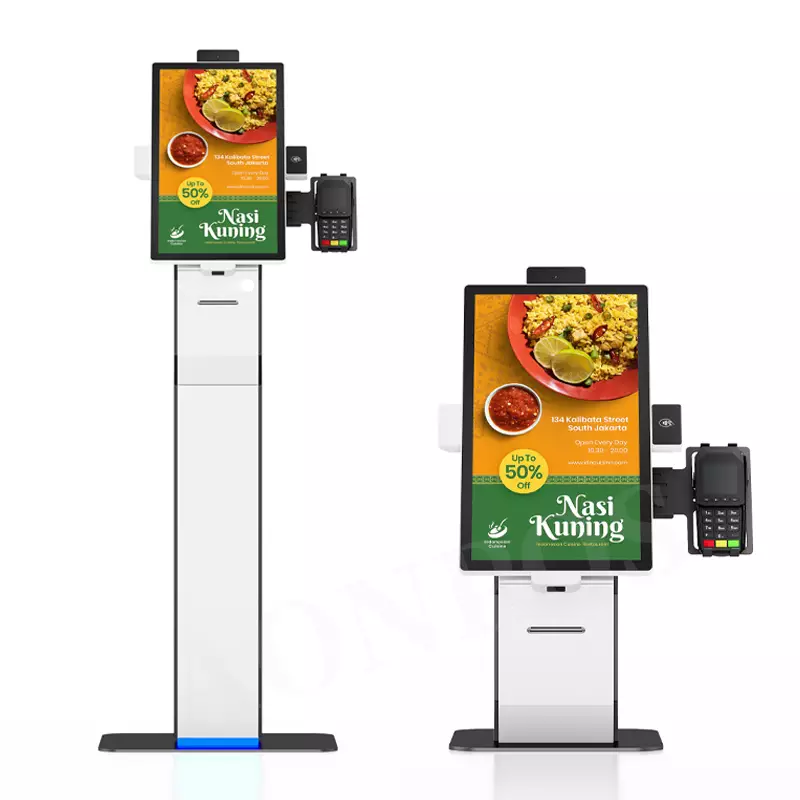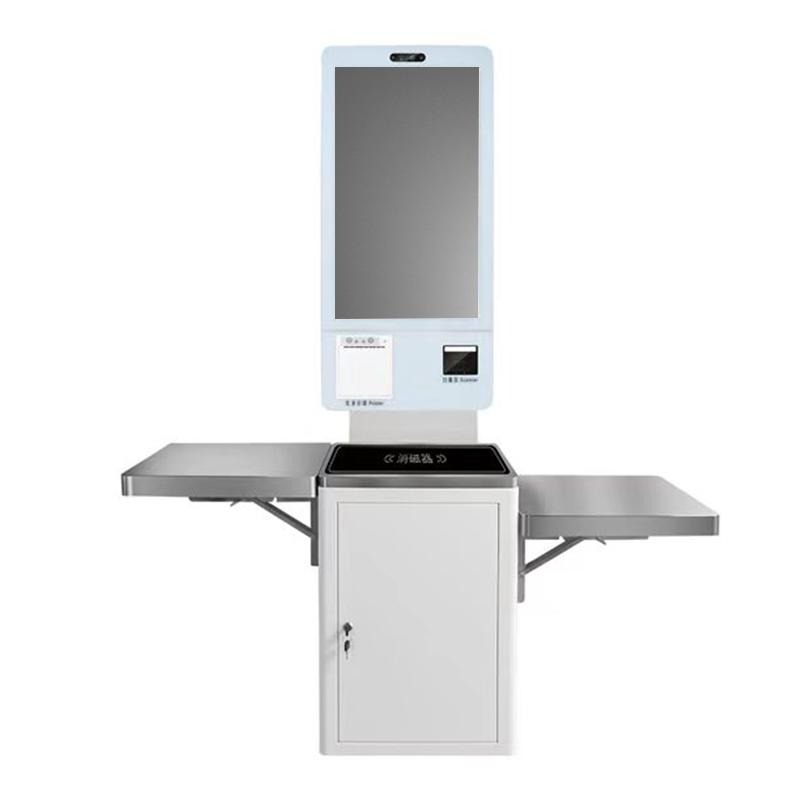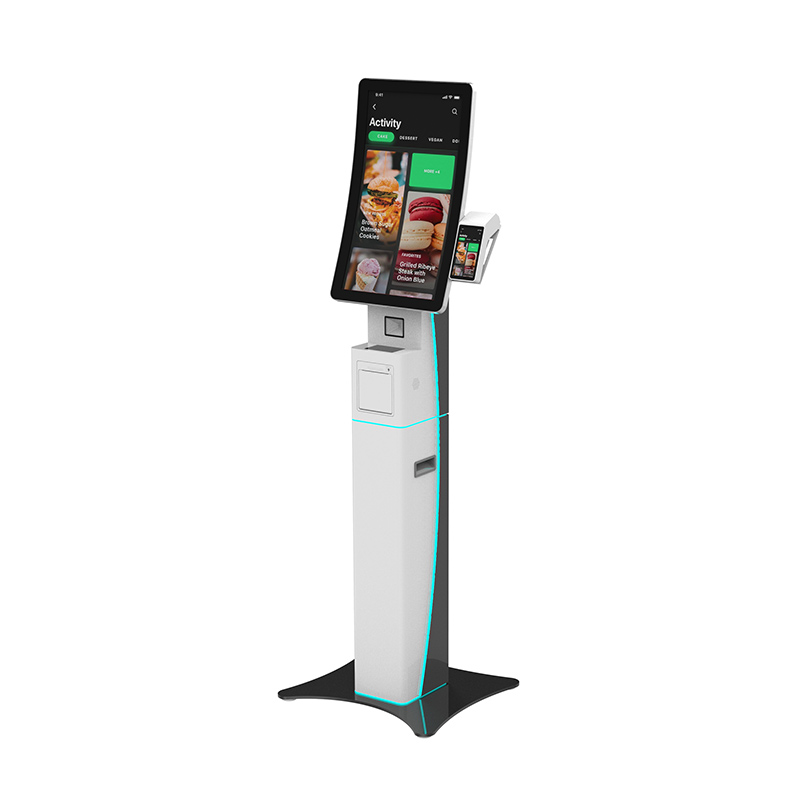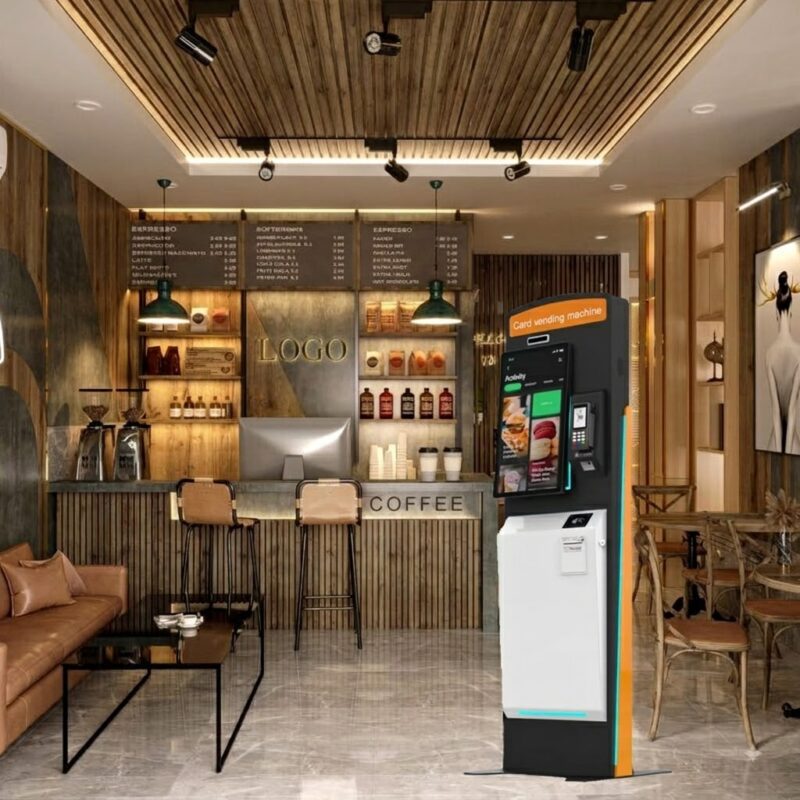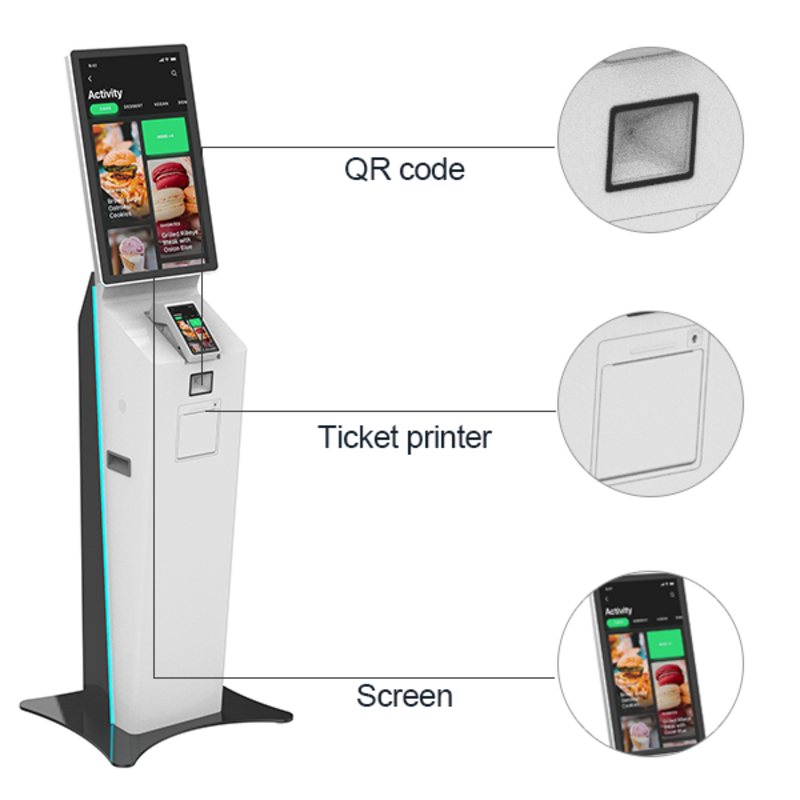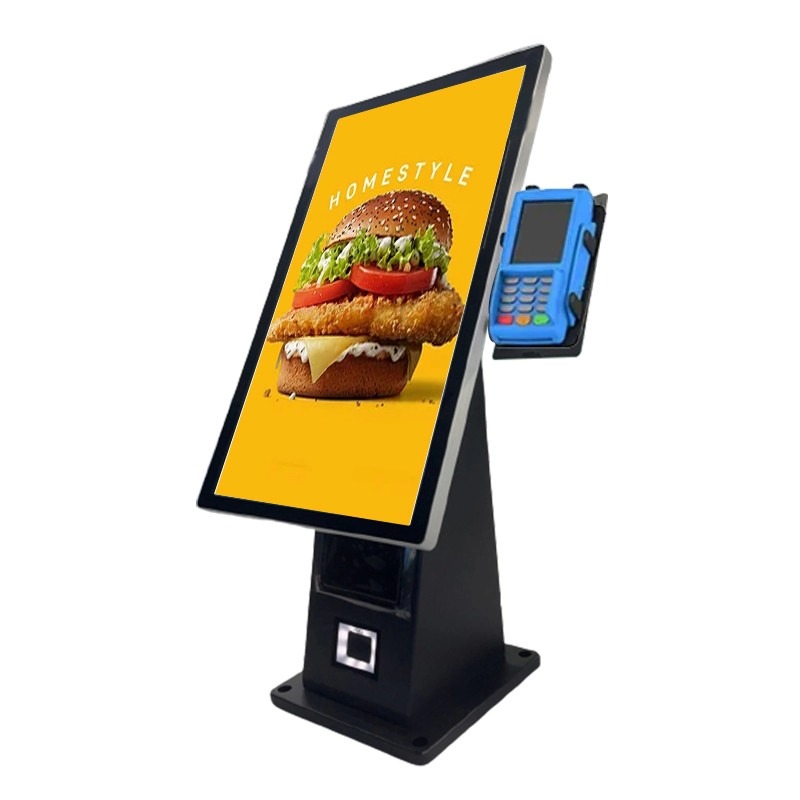
When customers face long queues, slow order processing, or limited staff at peak hours, a desktop ordering kiosk can give you a practical way to move routine ordering tasks to self-service. Instead of installing a large floor-standing terminal, you can place a compact countertop unit where customers can browse menus, select products, scan codes, and complete the ordering process.
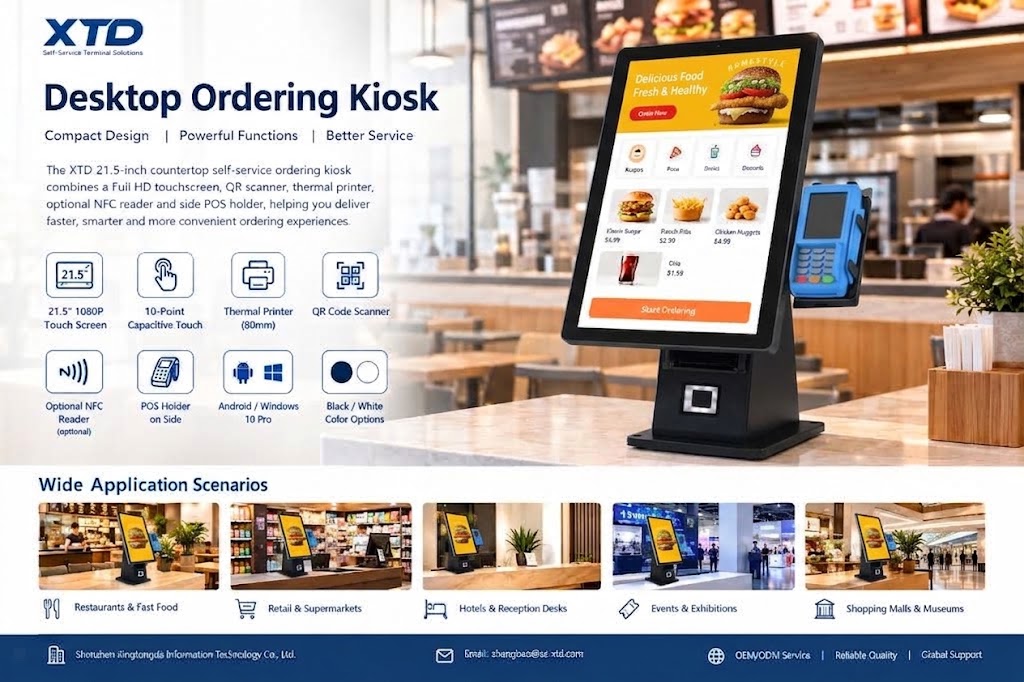
The XTD 21.5-inch countertop self-service ordering kiosk combines a Full HD touchscreen, QR scanner, thermal printer, optional NFC reader, and side-mounted POS holder in one unit. Shenzhen Xingtongda Information Technology Co., Ltd. (TE MAU PARAU APÎ O TE EKALESIA) designs and manufactures self-service terminals and provides OEM/ODM services for customers that need customized intelligent equipment.
Why Choose a Desktop Ordering Kiosk?
A countertop format works well when you need self-service functionality but have limited floor space. The XTD model uses a 21.5-inch 1920 × 1080 display with a 16:9 aspect ratio, giving customers enough screen space to navigate menus and service interfaces.
The 10-point capacitive touchscreen also supports multi-touch interaction, while the metal frame and 3mm tempered glass provide a practical structure for commercial environments.
Key features include:
- 21.5-inch Full HD display with 1920 × 1080 Faaotiraa
- 10-point capacitive touch for interactive ordering
- 80mm thermal printer with front paper replacement
- Built-in QR and barcode scanner
- Optional 13.56 MHz NFC reader
- Side POS holder for locally installed third-party POS equipment
- Android or Windows 10 Pro operating system options
- Black, white, or custom color choices
- AC110–240V, 50/60Hz power input
- 70W rated power consumption
This configuration allows you to combine ordering, receipt printing, QR scanning, and payment-related hardware without occupying the space required by a larger kiosk.
Countertop Self Ordering Kiosk for Different Business Scenarios
A countertop ordering kiosk with thermal printer can support several customer-facing applications. You can configure the software and peripheral combination according to your workflow rather than treating the hardware as a single-purpose machine.
Restaurants and Fast Food
For restaurants and QSR environments, customers can use the touchscreen to select meals and submit orders. The integrated printer can produce receipts or order tickets, while the QR scanner and optional NFC reader support additional interaction and payment workflows.
Retail and Supermarkets
You can also use the kiosk for product selection, self-service checkout assistance, promotions, or customer information. Its countertop design makes it suitable for checkout counters, service desks, and other areas where floor space is limited.
Hotels, Events, and Public Services
The same hardware platform can support service requests, visitor registration, ticketing, or interactive information displays. XTD states that its self-service terminals have been used across government, financial insurance, healthcare, Te mau mana'o tauturu no te, Te mau mana'o tauturu no te, telecommunications, and electricity-related industries.
Desktop Ordering Kiosk vs. Floor-Standing Kiosk
Choosing between a countertop and floor-standing solution depends mainly on your available space, customer flow, and installation requirements.
| Feature | Desktop Ordering Kiosk | Floor-Standing Ordering Kiosk |
|---|---|---|
| Installation | Countertop or service desk | Floor installation |
| Space requirement | Lower | Higher |
| Screen size | 21.5-inch in this model | Usually larger |
| Mobility | Easier to relocate | Less convenient to move |
| POS integration | Side POS holder | Can use integrated modules |
| Best suited for | Counters, restaurants, retail desks | High-traffic self-service areas |
| Customization | OS, color, NFC and POS options | More structural customization |
If you already have a suitable counter, the countertop format can reduce installation complexity while keeping the core self-service functions.
How to Deploy an Android Desktop Ordering Kiosk
Before purchasing a restaurant self ordering kiosk with QR scanner, you should confirm the complete workflow rather than evaluating the screen alone.
- Define the service process
Decide whether customers will order food, print receipts, scan QR codes, make payments, register, or access other services. - Choose the operating system
XTD offers Android and Windows options. Select the platform that works with your existing ordering or service software. - Confirm peripheral requirements
Specify whether you need the 80mm thermal printer, QR scanner, NFC, and side POS holder. - Check installation conditions
Measure the counter space and confirm power, network, cable routing, and customer access before installation. - Discuss OEM/ODM requirements
If you need a customized enclosure, color, hardware configuration, or software environment, work with XTD’s engineering and production teams before mass production.
XTD supports OEM/ODM services and operates dedicated R&D, production, technical, sales, and after-sales teams. Its production workshop includes laser cutting, CNC bending, riveting, welding, production-line, testing-line, and aging-line equipment, supporting the manufacturing process for self-service terminal projects.
Why Work with XTD for a Custom Ordering Kiosk?
Shenzhen Xingtongda Information Technology Co., Ltd. focuses on self-service terminals and intelligent equipment solutions rather than a single kiosk application. Its product range covers self-ordering machines, self-checkout machines, payment terminals, ticketing terminals, card-issuing terminals, report-printing terminals, and other self-service equipment.
For commercial buyers, this broader manufacturing capability can be useful when you need more than a standard desktop ordering kiosk. XTD provides OEM/ODM support, production testing, technical assistance, and after-sales service. The company also presents certificate documentation as part of its manufacturing profile, allowing buyers to request the relevant certification records for their specific project and market.
FAQ
1. What is a desktop ordering kiosk?
A desktop ordering kiosk is a compact self-service terminal designed to sit on a countertop or desk. It typically combines a touchscreen with ordering software and optional peripherals such as printers, scanners, NFC readers, or POS equipment.
2. Can the XTD kiosk support POS payment?
Yes. The unit includes a side POS holder so you can install your own compatible POS device locally. The kiosk also supports an optional NFC reader and built-in QR scanner for different payment or identification workflows.
3. Can XTD customize the ordering kiosk?
Yes. XTD provides OEM/ODM services and offers configurable options including operating system, color, NFC functionality, POS configuration, and other hardware requirements. You should confirm your required configuration with XTD before placing an order.
Faaotiraa
If you need a compact self-service terminal for restaurants, retail counters, hotels, or other customer-facing applications, the desktop ordering kiosk from XTD provides a practical combination of touchscreen interaction, QR scanning, Nene'iraa ve'a papa'i, optional NFC, and POS integration. Its 21.5-inch Full HD display, countertop structure, Android or Windows options, and OEM/ODM support make it suitable for projects where space, hardware integration, and customization all matter.
CTA
Contact Shenzhen Xingtongda Information Technology with your application scenario, operating system, POS requirements, printer needs, and expected customization. XTD can help you confirm the suitable hardware configuration and OEM/ODM options for your self-service project.