Wenn Kunden lange Schlangen an der Kasse haben, Ihre Mitarbeiter müssen mehr Zeit mit der Bearbeitung routinemäßiger Zahlungen verbringen, anstatt mit der Kundenbetreuung. A Selbstzahlungskiosk mit Quittungsdrucker kann gängige Zahlungs- und Checkout-Aufgaben an ein Selbstbedienungsterminal verlagern und den Kunden gleichzeitig eine übersichtliche Touchscreen-Oberfläche und gedruckte Belege bieten. Für Einzelhandelsgeschäfte, Convenience-Stores, Restaurants, Hotels, und öffentlich-rechtliche Standorte, Sie können die Zahlung kombinieren, QR-Scannen, Quittungsdruck, und POS-Integration in einer kompakten Einheit. XTD bietet als OEM/ODM-Hersteller diese Art von Selbstbedienungsterminals an, So können Sie Hardware und Betriebssysteme entsprechend Ihren Bereitstellungsanforderungen konfigurieren.
Was ist ein Selbstzahlungskiosk mit Belegdrucker??
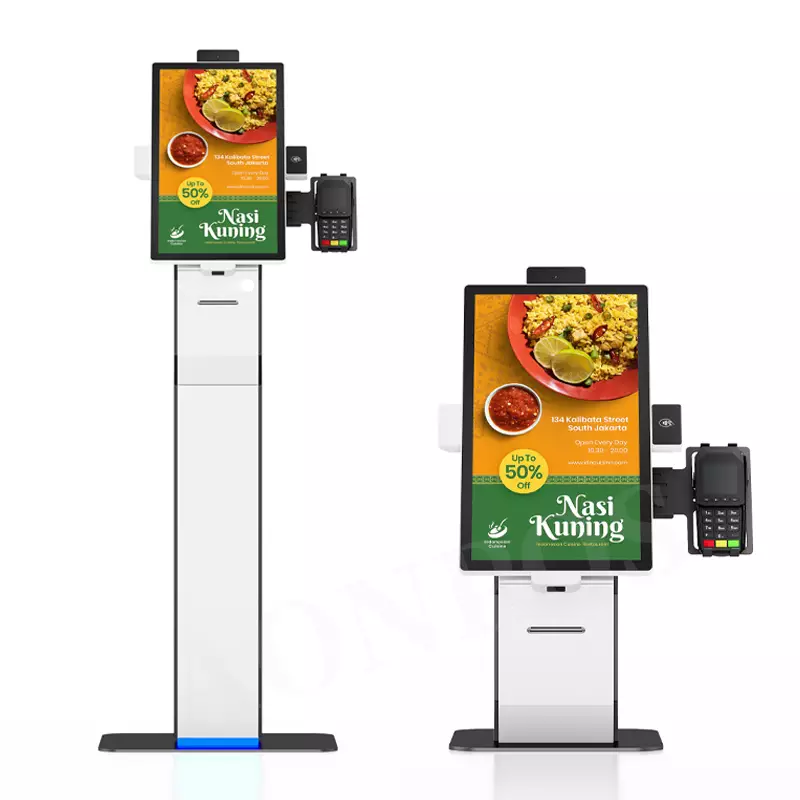
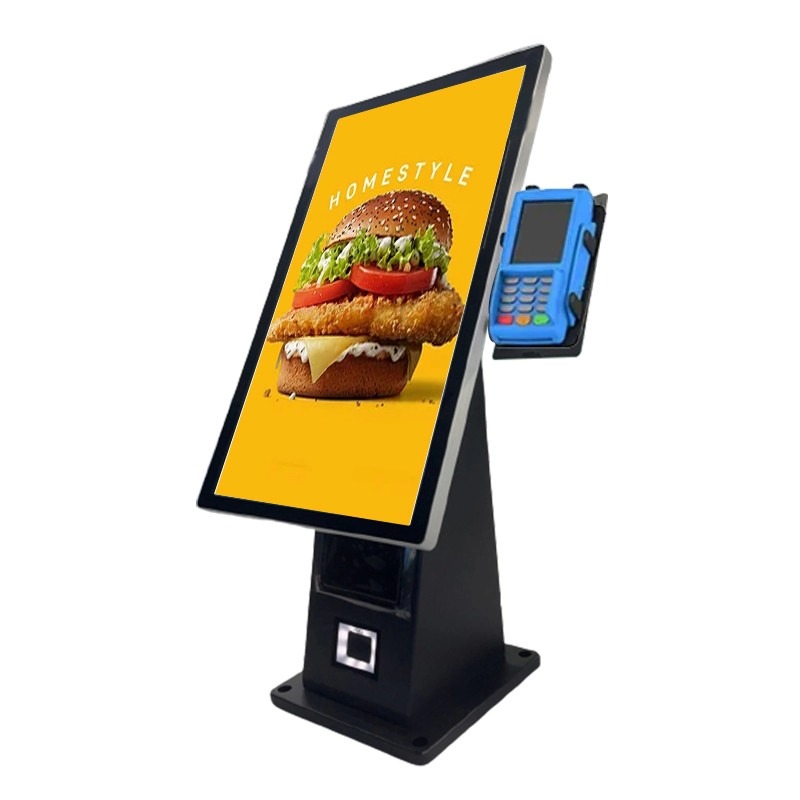
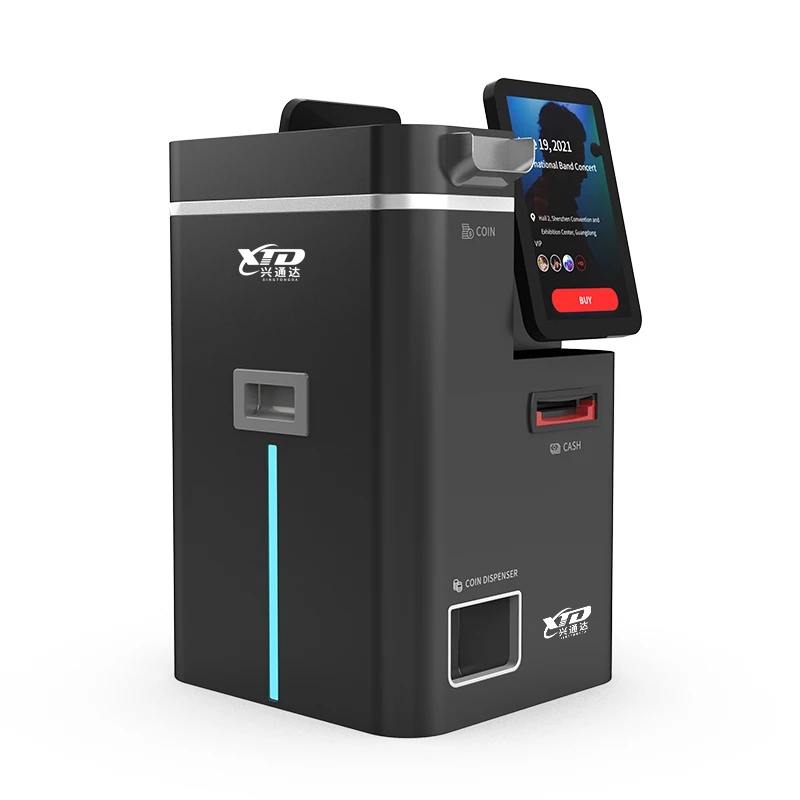
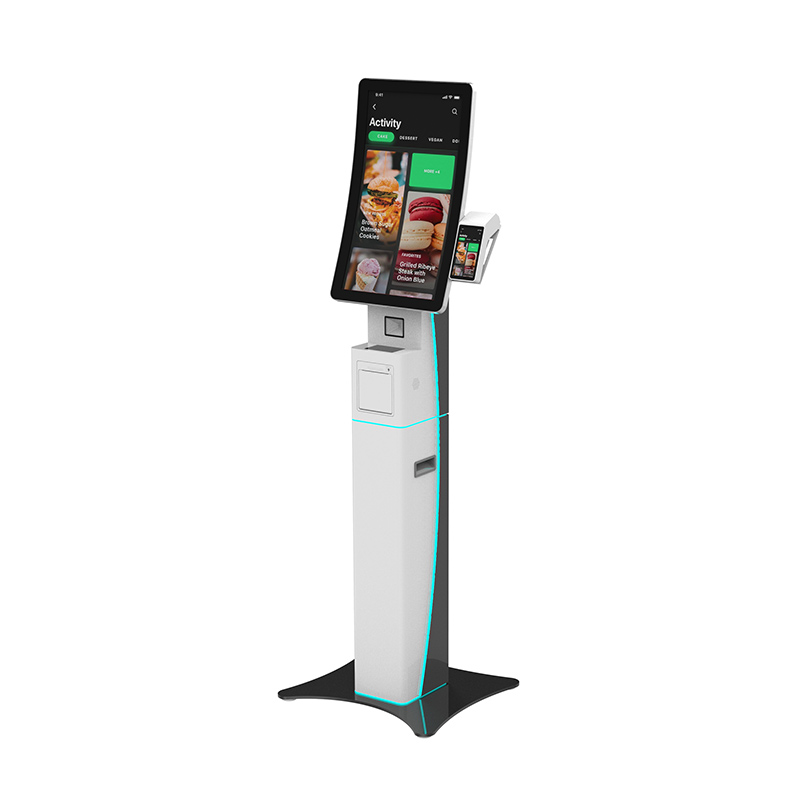
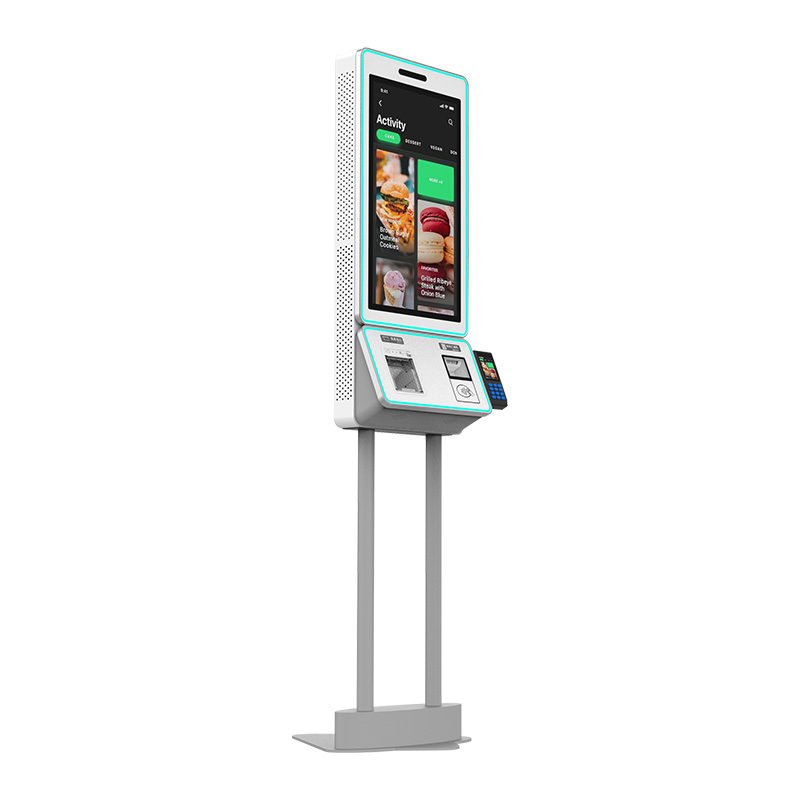
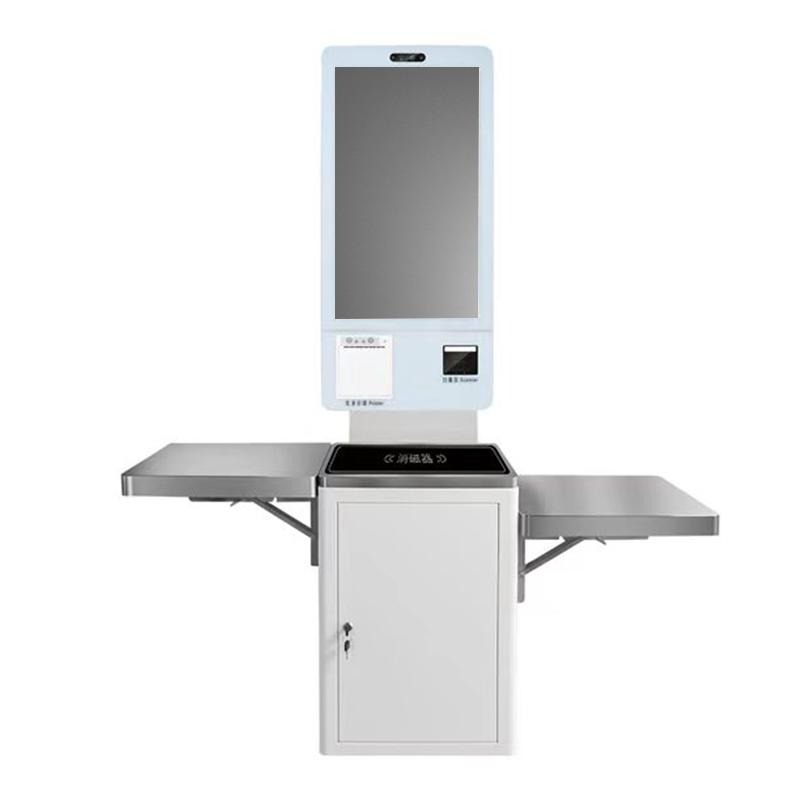
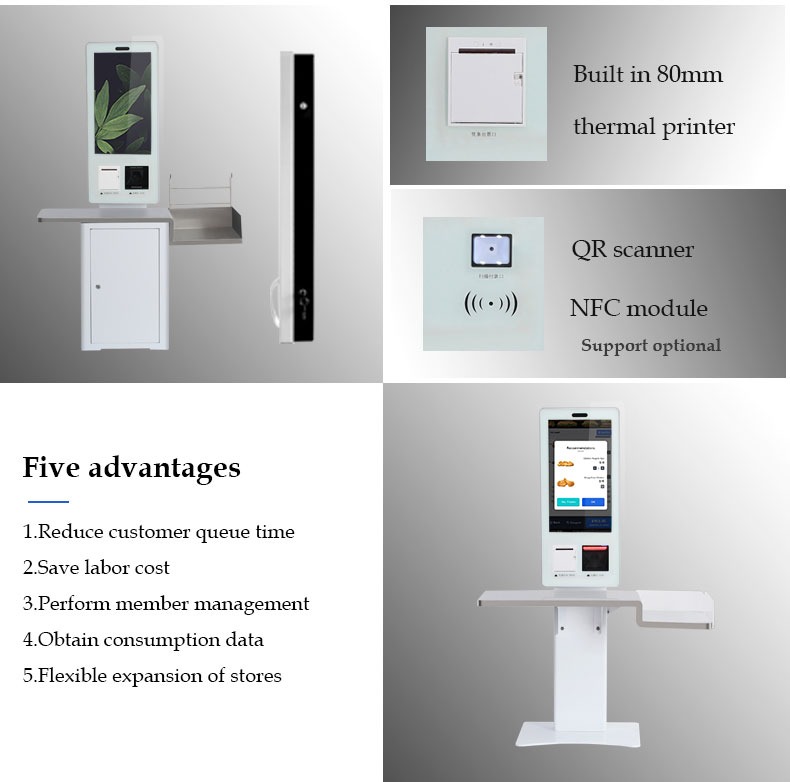
Ein Selbstzahlungskiosk mit Belegdrucker ist ein Selbstbedienungsterminal, mit dem Benutzer Zahlungs- oder Kassenvorgänge durchführen können, ohne vollständig auf einen Kassierer angewiesen zu sein. Das XTD-Modell verwendet einen 24-Zoll-Full-HD-Touchscreen, mit einer 32-Zoll-Option verfügbar, und unterstützt einen integrierten 80-mm-Thermodrucker.
Der integrierte QR-Scanner kann Zahlungs- oder Barcodeinformationen lesen, während die optionale NFC- und POS-Gerätemontage die Zahlungskonfiguration erweitert. Infolge, Sie können das Terminal an verschiedene Software- und Zahlungsumgebungen anpassen, anstatt sich auf ein festes Bereitstellungsmodell zu verlassen.
Wichtige Hardwarekonfiguration
Für kommerzielle Projekte, Sie können Konfigurationen basierend auf Verarbeitungsanforderungen und Softwarekompatibilität auswählen:
- 24-Zoll- oder 32-Zoll-FHD-Display
- 1920 × 1080 Auflösung
- 10-Punktkapazitiver Touchscreen
- Eingebauter 80-mm-Thermodrucker
- Integrierter QR-Code-Scanner
- Intel J1900-Prozessor mit i3/i5/i7-Optionen
- Optionen für Android- oder Windows-Betriebssysteme
- 4GB RAM und 64 GB SSD als Windows-Konfiguration
- Gigabit-Ethernet- und Wi-Fi-Konnektivität
- Optionales NFC-Modul und POS-Montage
- Gehäuse aus Aluminiumlegierung und Blech
Das Terminal wird mit 100–240 V betrieben, 50/60Hz, mit einer maximalen Leistungsaufnahme von 60W. Die spezifizierte Arbeitstemperatur beträgt 0 °C bis 50 °C, Dadurch eignet es sich für typische gewerbliche Innenräume.
Warum einen Selbstzahlungskiosk für Einzelhandel und Restaurants verwenden??
Ihr Bereitstellungsziel bestimmt, wie der Kiosk konfiguriert werden soll. daher, Sie sollten den gesamten Arbeitsablauf bewerten, anstatt die Hardware nur anhand der Bildschirmgröße auszuwählen.
| Anwendung | Wie der Kiosk den Workflow unterstützt | Nützliche Konfiguration |
|---|---|---|
| Einzelhandel & Convenience-Stores | Selbstbedienungskasse und Bezahlung | QR-Scanner, Drucker, POS |
| Schnellrestaurants | Bestellung und Selbstzahlung | Touch-Screen, Drucker, QR-Zahlung |
| Hotels & Gastfreundschaft | Selbstbedienungsbetrieb für Gäste | Touch-Screen, Drucker, Netzwerk |
| Ausstellung & Ausbildung | Registrierung und Ticketverkauf | QR-Scanner, Touch-Screen, Drucker |
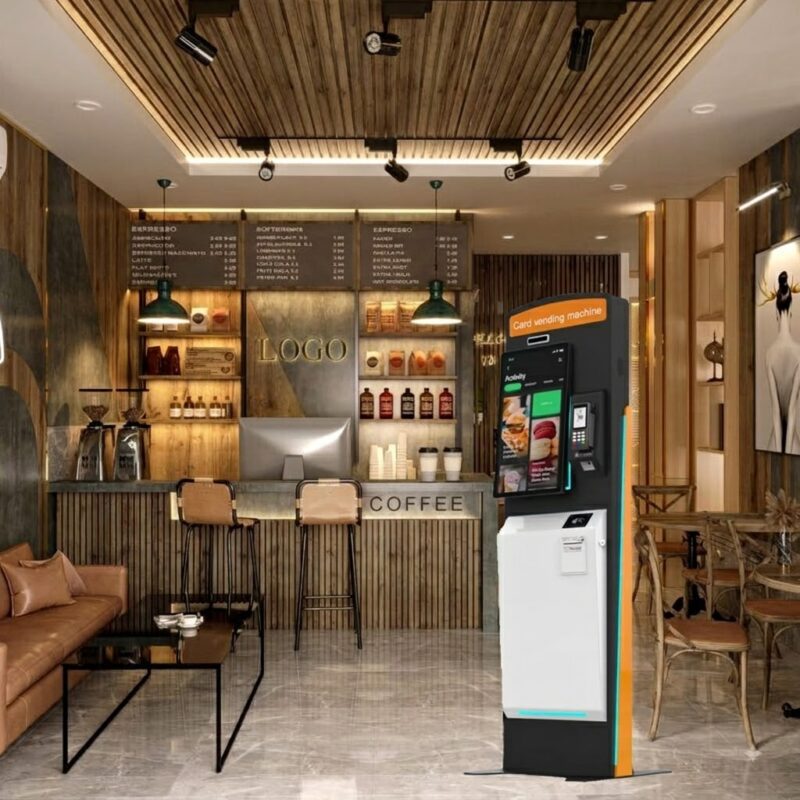
Für Selbstbedienungskiosk-Projekte im Einzelhandel, Der Drucker stellt physische Belege bereit, wenn Kunden diese benötigen. In QSR-Umgebungen, Der Touchscreen kann Bestell- und Checkout-Software unterstützen, während der QR-Scanner bei der Verarbeitung von Codes während des Zahlungsablaufs hilft.
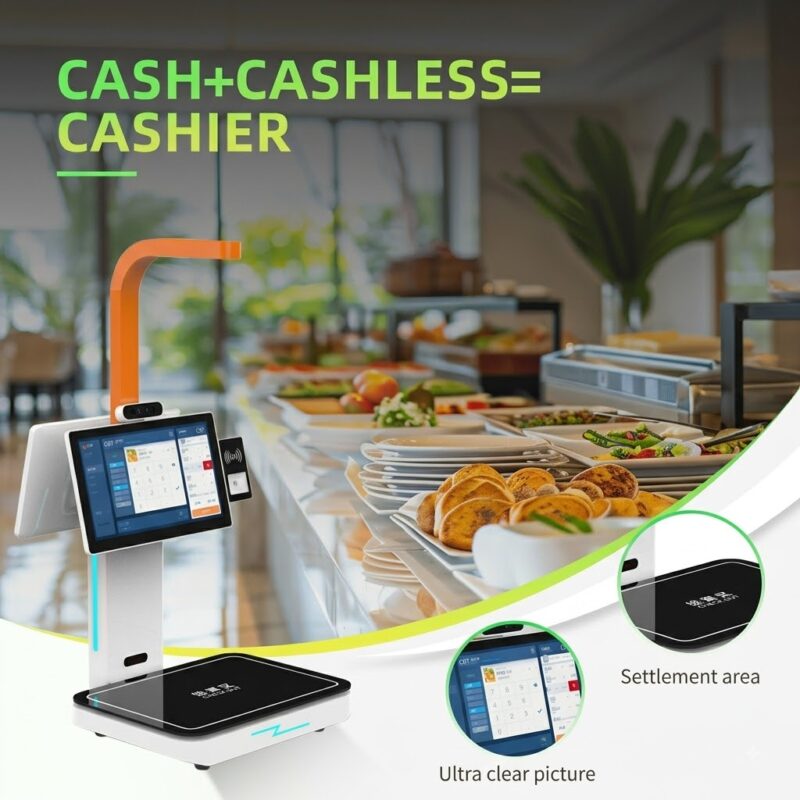
Für größere Einsätze, Sie können auch ein POS-Gerät integrieren, Tablett, oder Kasse nach Ihrem Projektentwurf. Diese Flexibilität ist besonders nützlich, wenn Sie anstelle eines handelsüblichen Terminals einen maßgeschneiderten Selbstzahlungskiosk mit POS benötigen.
So wählen Sie einen Self-Payment-Kiosk mit Belegdrucker aus
Bevor Sie eine Bestellung aufgeben, Befolgen Sie diese Schritte, um Integrationsprobleme zu reduzieren:
- Definieren Sie den Zahlungsworkflow. Stellen Sie fest, ob Ihr System QR-Codes verwendet, Karten, NFC, POS-Terminals, oder eine Kombination.
- Wählen Sie die Anzeigegröße aus. Wählen 24 Zoll für eine Standardbereitstellung oder erwägen 32 Zoll, wenn Ihre Benutzeroberfläche mehr Platz auf dem Bildschirm benötigt.
- Bestätigen Sie das Betriebssystem. Wählen Sie je nach vorhandener Zahlungs- und Kiosksoftware Windows oder Android.
- Überprüfen Sie die peripheren Anforderungen. Bestätigen Sie den Thermodrucker, QR-Scanner, NFC-Modul, POS-Montage, und verfügbaren Schnittstellen.
- Überprüfen Sie die Bereitstellungsbedingungen. Stromversorgung prüfen, Betriebstemperatur, Netzwerkzugriff, und physischen Installationsraum.
- Besprechen Sie OEM/ODM-Anforderungen. Fragen Sie den Hersteller nach Gehäusen, Hardwarekonfiguration, Softwarekompatibilität, und Produktionsanforderungen vor der Massenproduktion.
Dieser Prozess hilft Ihnen, den Self-Payment-Kiosk mit QR-Scanner an Ihre tatsächliche Anwendung anzupassen, anstatt die Hardware nur anhand eines Produktfotos auszuwählen.
Warum sollten Sie sich für XTD für Selbstbedienungs-Zahlungsterminals entscheiden??
Shenzhen Xingtongda Information Technology Co., Ltd. ist auf Selbstbedienungsterminals und intelligente Gerätelösungen spezialisiert, einschließlich selbstbestellender Maschinen, Selbstbedienungsgeldregister, Zahlungsterminals, Ticketterminals, Kartenausgabeterminals, und Terminals zum Ausdrucken von Berichten.
XTD gibt an, dass es OEM/ODM-Dienste anbietet und über ein eigenes Management verfügt, R&D, Produktion, Verkäufe, technisch, und After-Sales-Teams. Die Produktionswerkstatt umfasst Blechbearbeitung und Ausrüstung wie Bystronic 4000-KW- und 3000-KW-Laserschneidanlagen, CNC -Biegermaschinen, Nietmaschinen, Schweißausrüstung, Produktionslinien, Testlinien, und Alterslinien.
Darüber hinaus präsentiert das Unternehmen auf seiner offiziellen Website Produkt- und Firmenzertifikate. Wenn Sie ein Projekt bewerten, Sie können die spezifischen Zertifikatsdokumente anfordern, die für Ihren Zielmarkt gelten, Produktkonfiguration, und regulatorischen Anforderungen, anstatt sich auf allgemeine Zertifizierungsansprüche zu verlassen.
FAQ
1. Verfügt der Kiosk über einen Belegdrucker??
Ja. Dieses Modell integriert einen 80-mm-Thermodrucker, Ermöglichen, dass das Terminal im Rahmen des Selbstbedienungs-Workflows Belege ausdruckt.
2. Kann ich Windows oder Android verwenden??
Ja. XTD bietet sowohl Windows- als auch Android-Konfigurationen. Die Windows-Version kann einen Intel J1900-Prozessor mit optionalen i3/i5/i7-Prozessoren verwenden, während die Android-Konfiguration eine RK3288 Quad-Core-Plattform verwendet.
3. Kann XTD den Selbstzahlungskiosk anpassen??
Ja. XTD bietet OEM/ODM-Dienste und unterstützt Hardwarekonfigurationsoptionen wie die Bildschirmgröße, Prozessor, RAM, Lagerung, POS-Montage, NFC, und andere periphere Anforderungen. Sie sollten Ihre Software bestätigen, Zahlungsschnittstelle, und physische Installationsanforderungen mit XTD vor der Produktion.
Abschluss
Wenn Sie eine benötigen Selbstzahlungskiosk mit Quittungsdrucker, Konzentrieren Sie sich auf den gesamten Kundenworkflow, nicht nur das Display oder der Prozessor. Der 24-Zoll-Selbstbedienungs-Zahlungskiosk XTD kombiniert einen Full-HD-Touchscreen, 80mm-Thermodrucker, QR-Scanner, Windows- oder Android-Optionen, Netzwerkkonnektivität, und erweiterbare POS-Integration für den Einzelhandel, QSR, Gastfreundschaft, und andere Self-Service-Anwendungen. Indem Sie Ihre Zahlungsmethode definieren, Softwareumgebung, Peripheriegeräte, und Einsatzbedingungen im Vorfeld, Sie können eine Konfiguration auswählen, die Ihren tatsächlichen Projektanforderungen entspricht.
CTA
Kontaktieren Sie Shenzhen Xingtongda Information Technology, um Ihr Kioskprojekt zu besprechen, einschließlich Bildschirmgröße, Betriebssystem, QR-/Zahlungsintegration, Anforderungen an Thermodrucker, POS-Montage, OEM/ODM-Anpassung, und Zertifizierungsanforderungen des Zielmarktes. Fordern Sie eine detaillierte Hardwarekonfiguration und ein Angebot an, bevor Sie Ihre Bestellung aufgeben.