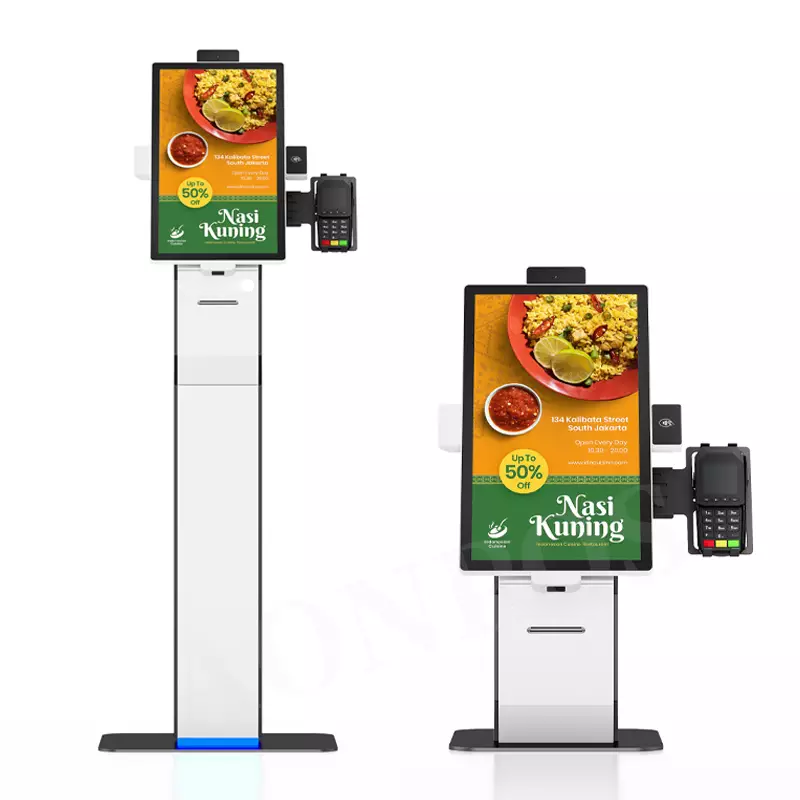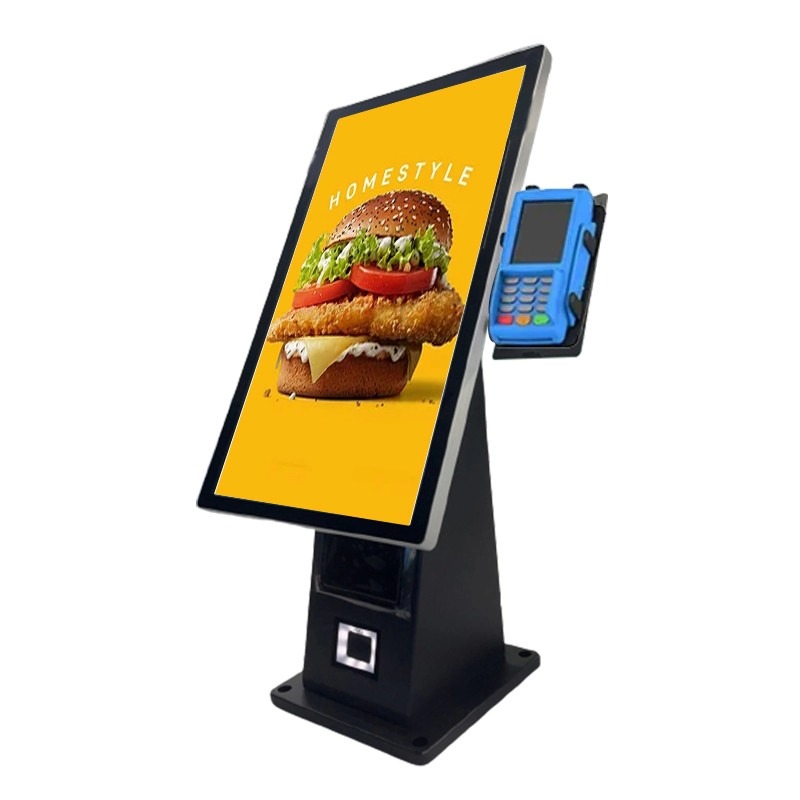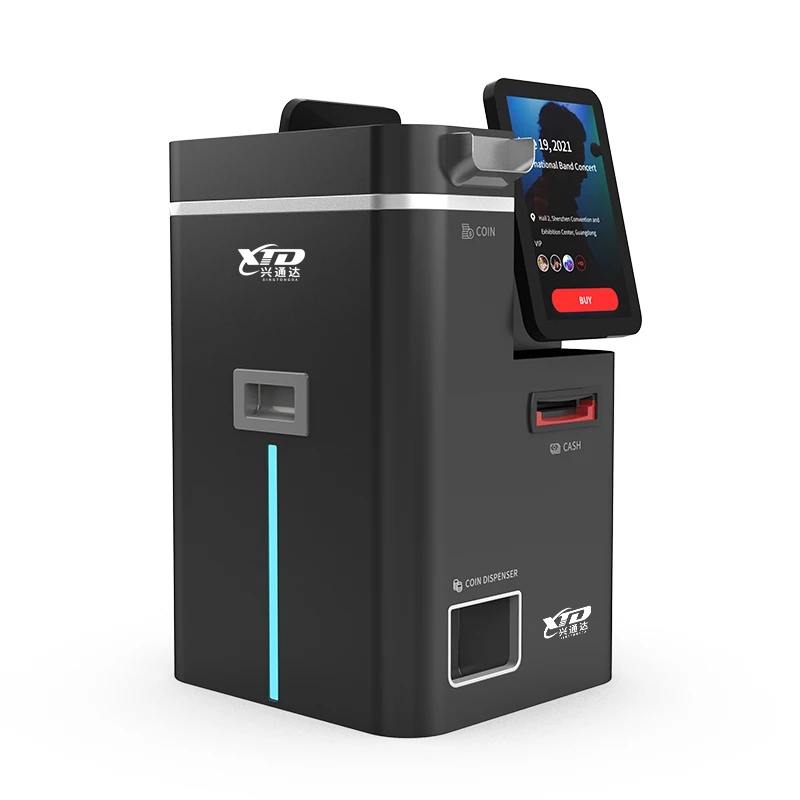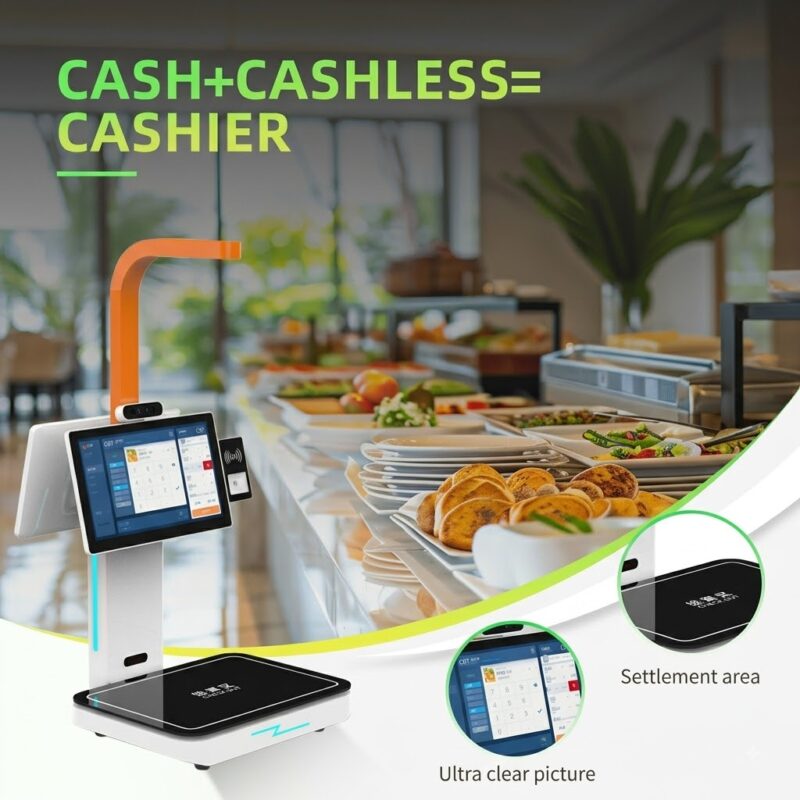
Когда клиенты сталкиваются с длинными очередями на кассу, вашим сотрудникам придется тратить больше времени на обработку рутинных платежей, а не на обслуживание клиентов.. А киоск самообслуживания с принтером чеков может перенести общие задачи оплаты и оформления заказа на терминал самообслуживания, предоставляя клиентам понятный сенсорный интерфейс и распечатанные квитанции.. Для розничных магазинов, магазины повседневного спроса, рестораны, отели, и места общественного обслуживания, вы можете объединить оплату, QR-сканирование, печать чеков, и интеграция POS в одном компактном устройстве. XTD предоставляет этот тип терминала самообслуживания как производитель OEM/ODM., позволяя вам настроить оборудование и операционные системы в соответствии с вашими требованиями к развертыванию.
Что такое киоск самостоятельной оплаты с принтером чеков?
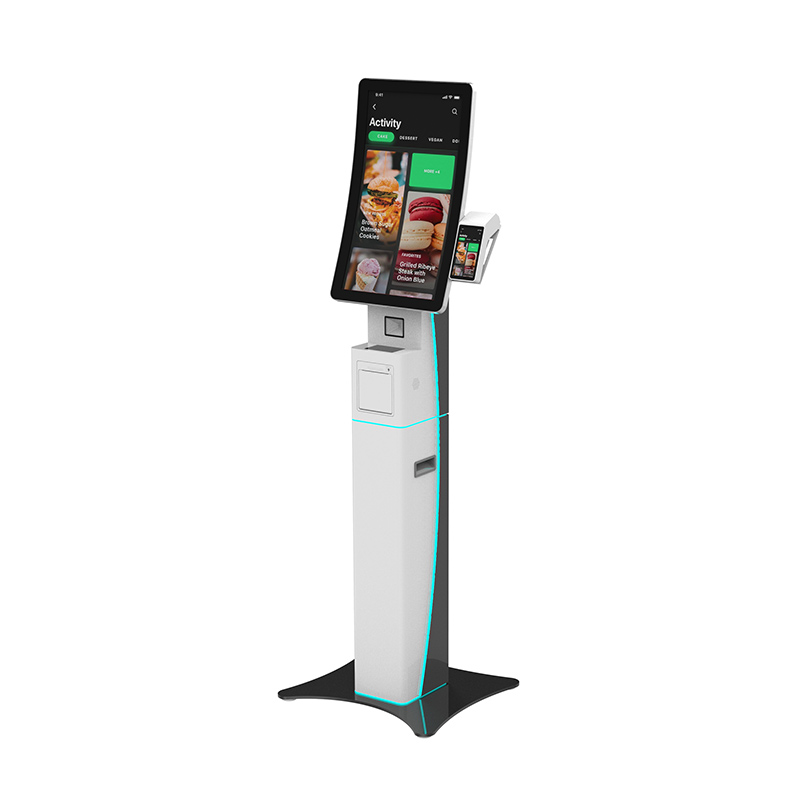
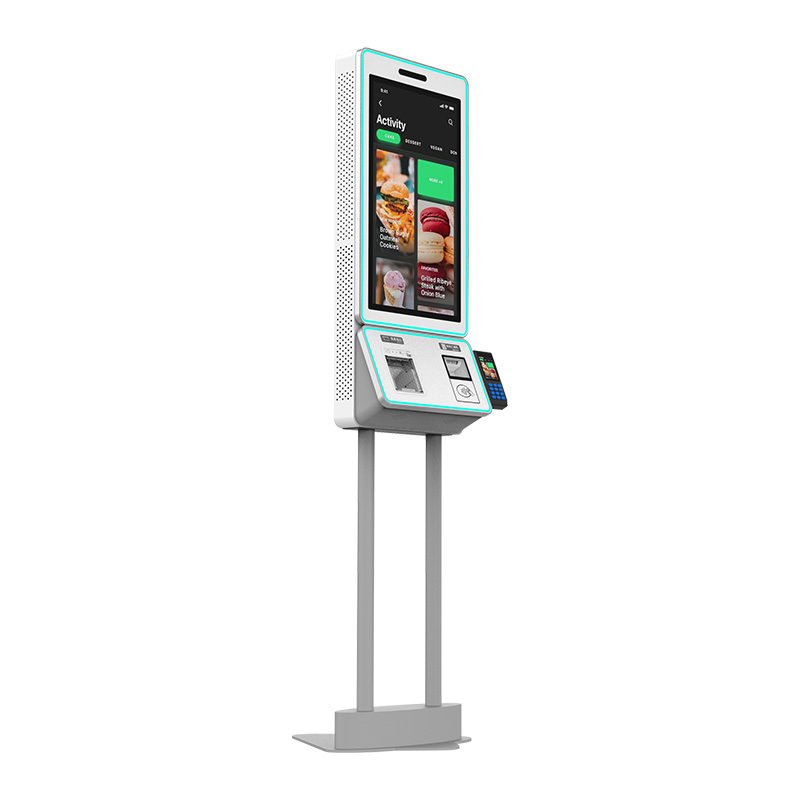
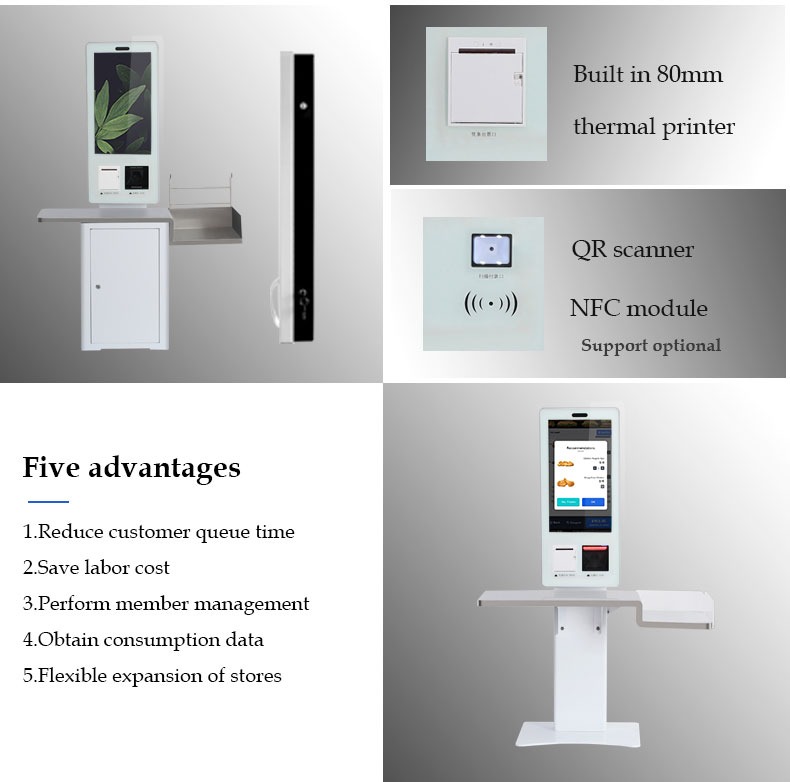
Киоск самостоятельной оплаты с принтером чеков — это терминал самообслуживания, предназначенный для того, чтобы пользователи могли совершать операции оплаты или оформления заказа, не полностью завися от кассира.. Модель XTD оснащена 24-дюймовым сенсорным экраном Full HD., доступен вариант с экраном 32 дюйма, и поддерживает встроенный термопринтер шириной 80 мм..
Встроенный QR-сканер может считывать информацию о платеже или штрих-коде., а дополнительная установка устройств NFC и POS расширяет конфигурацию оплаты. Как результат, вы можете адаптировать терминал к различному программному обеспечению и платежным средам, а не полагаться на одну фиксированную модель развертывания.
Ключевая конфигурация оборудования
Для коммерческих проектов, вы можете выбирать конфигурации на основе требований к обработке и совместимости программного обеспечения:
- 24-дюймовый или 32-дюймовый дисплей FHD
- 1920 × 1080 разрешение
- 10-точечный емкостный сенсорный экран
- Встроенный термопринтер шириной 80 мм.
- Встроенный сканер QR-кода.
- Процессор Intel J1900 с опциями i3/i5/i7
- Варианты операционной системы Android или Windows
- 4ГБ ОЗУ и SSD на 64 ГБ в конфигурации Windows
- Возможность подключения Gigabit Ethernet и Wi-Fi.
- Дополнительный модуль NFC и установка POS
- Корпус из алюминиевого сплава и листового металла
Терминал работает от напряжения 100–240 В., 50/60Гц, с максимальной потребляемой мощностью 60 Вт.. Указанная рабочая температура составляет от 0°C до 50°C., что делает его подходящим для типичных внутренних коммерческих помещений.
Зачем использовать киоск самостоятельной оплаты для розничной торговли и ресторанов?
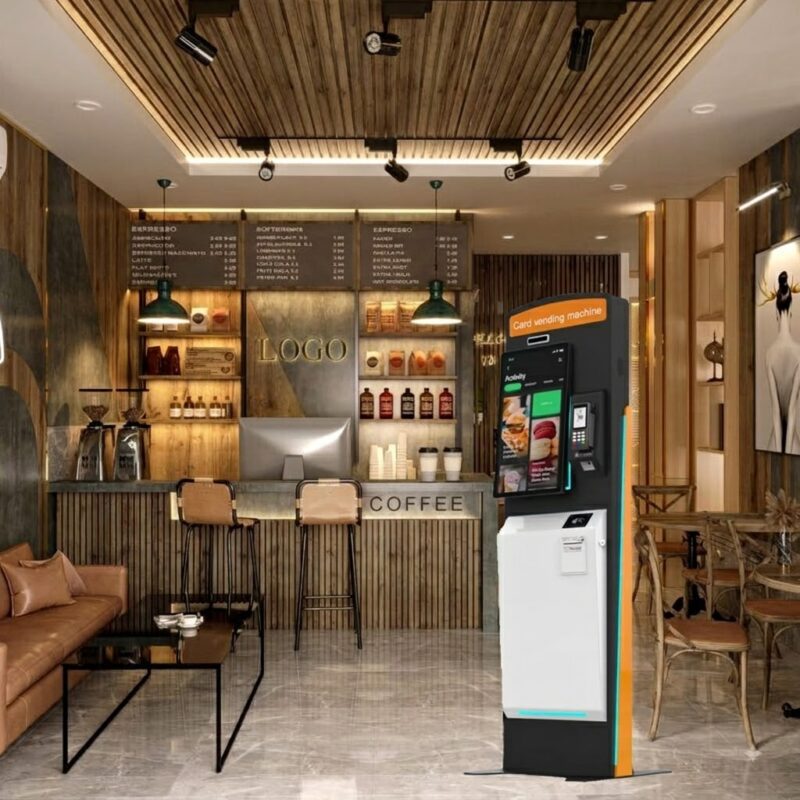
Ваша цель развертывания определяет, как следует настроить киоск.. Поэтому, вам следует оценить весь рабочий процесс, а не выбирать оборудование, основываясь только на размере экрана..
| Приложение | Как киоск поддерживает рабочий процесс | Полезная конфигурация |
|---|---|---|
| Розничная торговля & магазины повседневного спроса | Самовывоз и оплата | QR-сканер, принтер, POS-терминал |
| Рестораны быстрого обслуживания | Заказ и самооплата | Сенсорный экран, принтер, QR-платеж |
| Отели & гостеприимство | Работа гостевого самообслуживания | Сенсорный экран, принтер, сеть |
| Выставка & образование | Регистрация и продажа билетов | QR-сканер, сенсорный экран, принтер |
Для проектов розничных киосков самообслуживания, принтер выдает физические квитанции, когда они нужны клиентам. В среде QSR, сенсорный экран может поддерживать программное обеспечение для заказа и оформления заказа, в то время как QR-сканер помогает обрабатывать коды во время процесса оплаты.
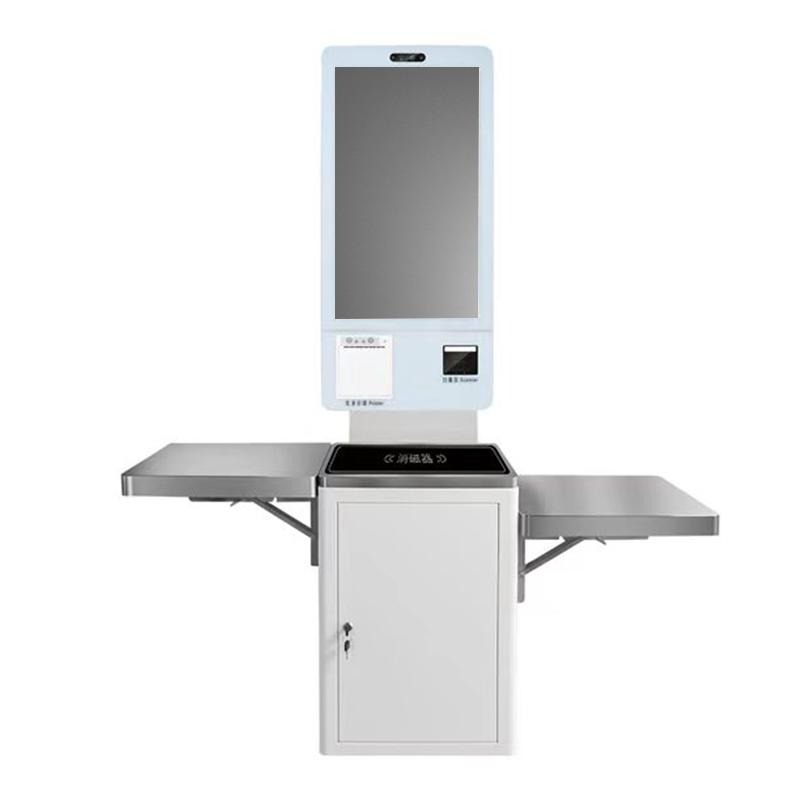
Для более крупных развертываний, вы также можете интегрировать POS-устройство, поднос, или касса по вашему дизайн-проекту. Эта гибкость особенно полезна, когда вам нужен индивидуальный киоск самоплаты с POS вместо стандартного терминала..
Как выбрать киоск самообслуживания с принтером чеков
Прежде чем разместить заказ, выполните следующие действия, чтобы уменьшить проблемы интеграции:
- Определите процесс оплаты. Определите, использует ли ваша система QR-коды, карты, НФК, POS-терминалы, или комбинация.
- Выберите размер дисплея. Выбирать 24 дюймов для стандартного развертывания или рассмотрите возможность 32 дюймов, когда вашему интерфейсу требуется больше места на экране.
- Подтвердите операционную систему. Выберите Windows или Android в соответствии с существующим программным обеспечением для оплаты и киоска..
- Проверьте требования к периферийным устройствам. Подтвердите термопринтер, QR-сканер, NFC-модуль, POS-монтаж, и доступные интерфейсы.
- Ознакомьтесь с условиями развертывания. Проверьте источник питания, рабочая температура, доступ к сети, и физическое пространство для установки.
- Обсудить требования OEM/ODM. Задайте вопрос производителю о корпусе, конфигурация оборудования, совместимость программного обеспечения, и производственные требования перед массовым производством.
Этот процесс поможет вам подобрать киоск самостоятельной оплаты с QR-сканером к вашему реальному приложению, а не выбирать оборудование только по фотографии продукта..
Почему стоит выбрать XTD для платежных терминалов самообслуживания?
Шэньчжэньская компания информационных технологий Xingtongda., ООО. специализируется на терминалах самообслуживания и интеллектуальных решениях для оборудования, включая машины для самостоятельного заказа, Кассовые регистры самообслуживания, платежные терминалы, билетные терминалы, терминалы по выдаче карт, и терминалы для печати отчетов.
XTD заявляет, что предоставляет услуги OEM/ODM и имеет специальный менеджмент., Р&Д, производство, продажи, технический, и команды послепродажного обслуживания. Производственный цех включает в себя производство листового металла и оборудование, такое как оборудование для лазерной резки Bystronic мощностью 4000 кВт и 3000 кВт., Сторонние машины с ЧПУ, заклепки, сварочное оборудование, производственные линии, линии тестирования, и линии старения.
Компания также представляет на своем официальном сайте сертификаты продукции и компании.. Когда вы оцениваете проект, вы можете запросить конкретные сертификатные документы, применимые к вашему целевому рынку, конфигурация продукта, и нормативные требования, а не полагаться на общие сертификационные заявления..
Часто задаваемые вопросы
1. Есть ли в киоске принтер чеков??
Да. Эта модель оснащена термопринтером шириной 80 мм., разрешение терминалу печатать квитанции в рамках рабочего процесса самообслуживания.
2. Могу ли я использовать Windows или Android?
Да. XTD предлагает конфигурации как для Windows, так и для Android.. Версия для Windows может использовать процессор Intel J1900 с дополнительными процессорами i3/i5/i7., в то время как в конфигурации Android используется четырехъядерная платформа RK3288..
3. Может ли XTD настроить киоск самоплаты?
Да. XTD предоставляет услуги OEM/ODM и поддерживает параметры конфигурации оборудования, такие как размер экрана., процессор, БАРАН, хранилище, POS-монтаж, НФК, и другие периферийные требования. Вы должны подтвердить свое программное обеспечение, платежный интерфейс, и требования к физической установке с XTD перед производством.
Заключение
Если вам нужен киоск самообслуживания с принтером чеков, сосредоточиться на полном рабочем процессе с клиентом, не только дисплей или процессор. 24-дюймовый платежный киоск XTD сочетает в себе сенсорный экран Full HD., 80мм термопринтер, QR-сканер, Варианты Windows или Android, подключение к сети, и расширяемая интеграция POS для розничной торговли, КСР, гостеприимство, и другие приложения самообслуживания. Определив способ оплаты, программная среда, периферийные устройства, и условия развертывания заранее, вы можете выбрать конфигурацию, которая соответствует фактическим требованиям вашего проекта.
призыв к действию
Свяжитесь с Shenzhen Xingtongda Information Technology, чтобы обсудить проект вашего киоска, включая размер экрана, Операционная система, Интеграция QR/платежей, Требования к термопринтеру, POS-монтаж, OEM/ODM настройка, и потребности в сертификации целевого рынка. Перед размещением заказа запросите подробную конфигурацию оборудования и расценки..