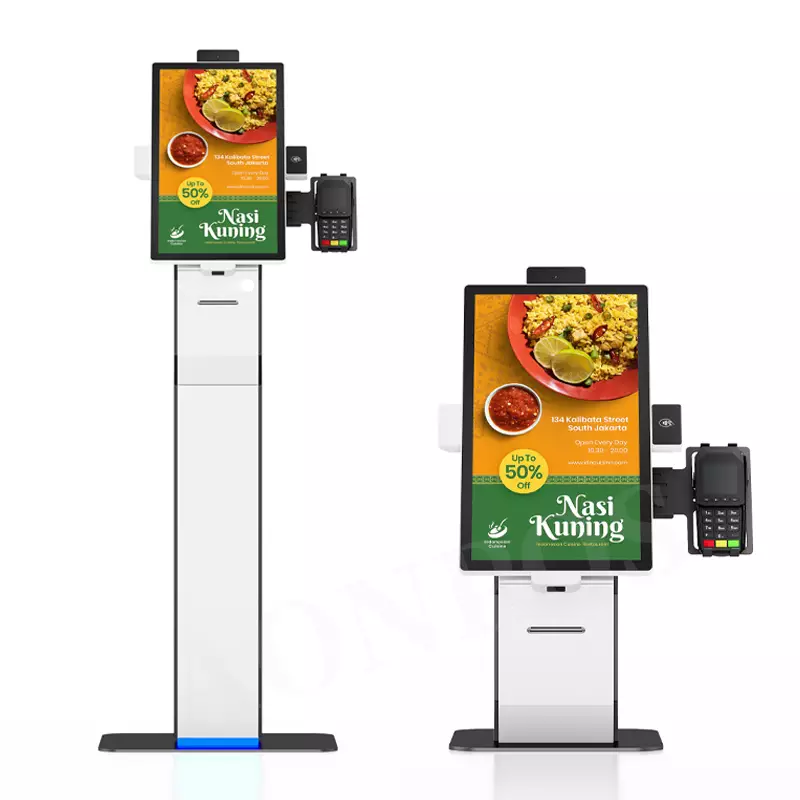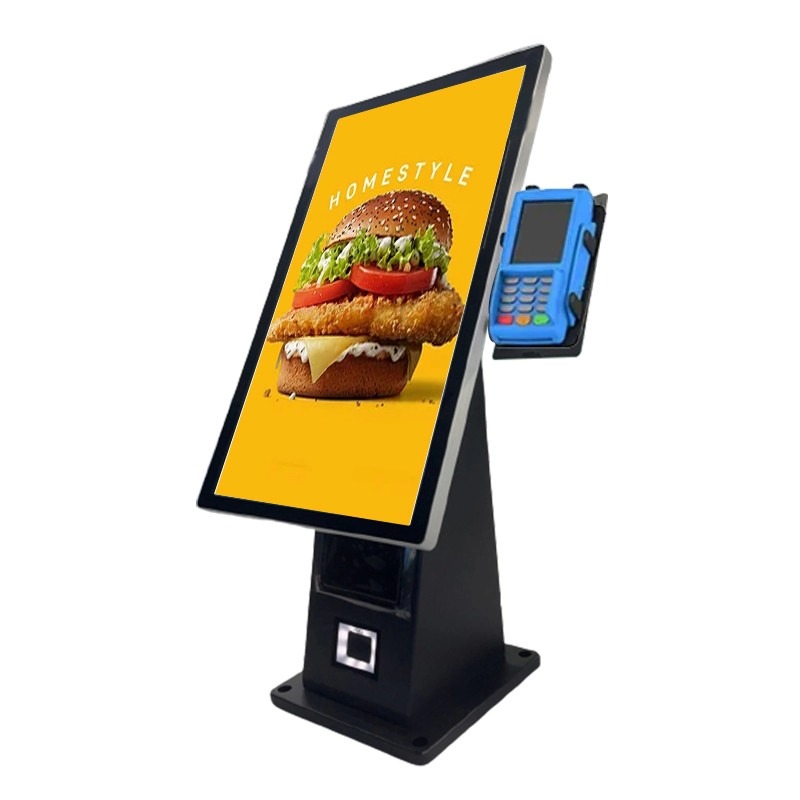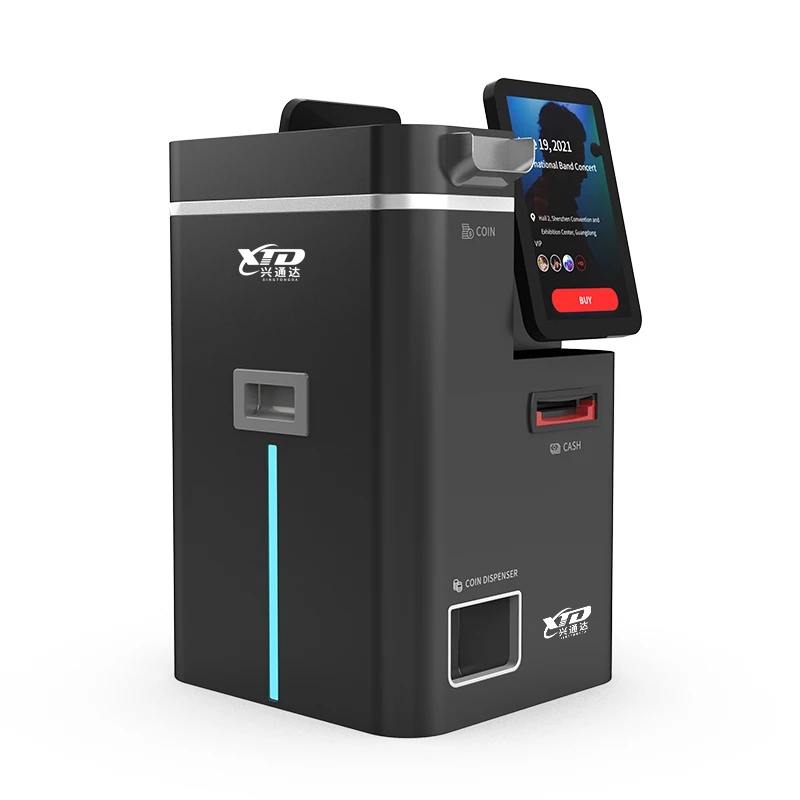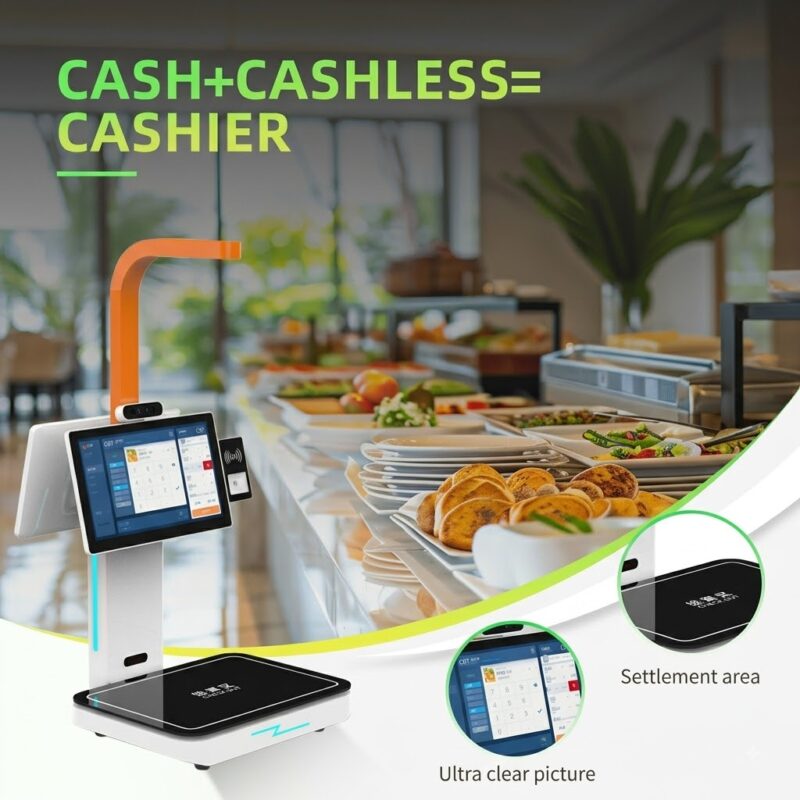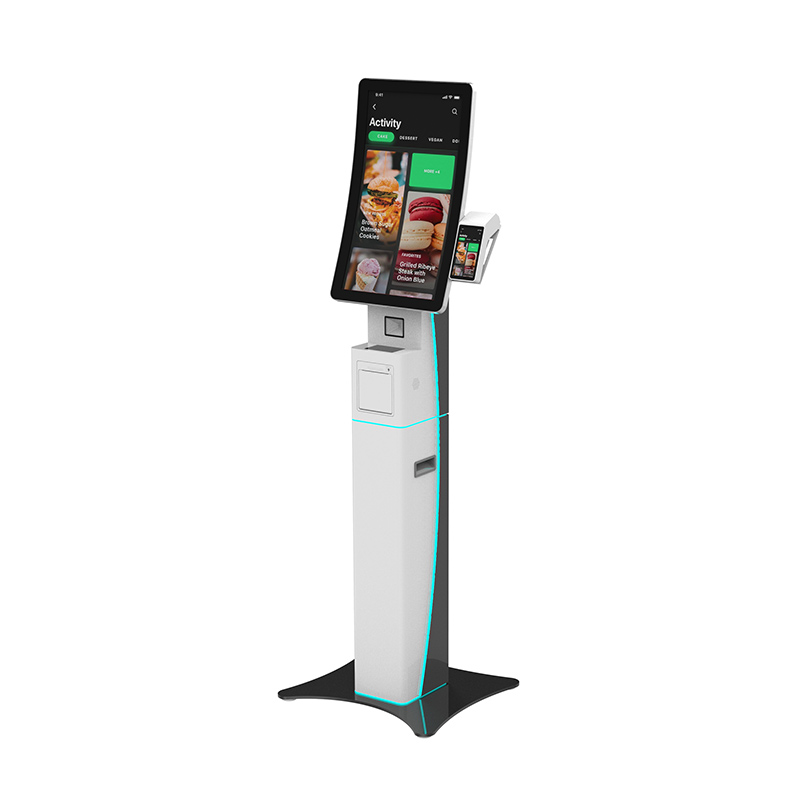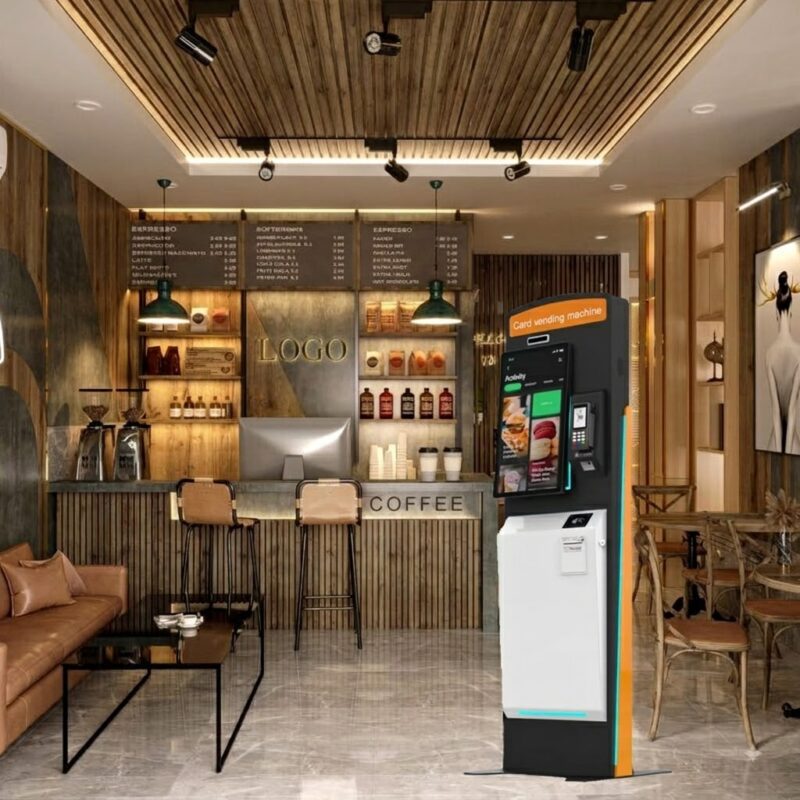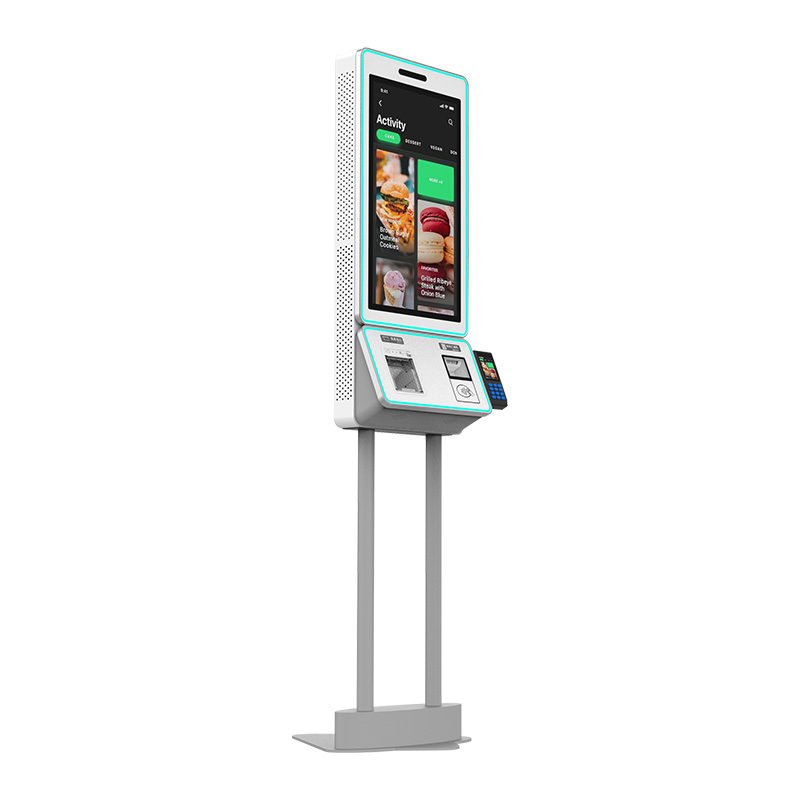
Quand les clients font face à de longues files d’attente aux caisses, votre personnel doit passer plus de temps à traiter les paiements de routine au lieu de servir les clients. UN borne de paiement automatique avec imprimante de reçus peut déplacer les tâches courantes de paiement et de caisse vers un terminal libre-service tout en offrant aux clients une interface à écran tactile claire et des reçus imprimés. Pour les magasins de détail, dépanneurs, restaurants, hôtels, et lieux de service public, vous pouvez combiner le paiement, Numérisation QR, impression de reçus, et intégration POS dans une unité compacte. XTD propose ce type de terminal libre-service en tant que fabricant OEM/ODM, vous permettant de configurer le matériel et les systèmes d'exploitation en fonction de vos exigences de déploiement.
Qu'est-ce qu'un kiosque de paiement automatique avec imprimante de reçus?
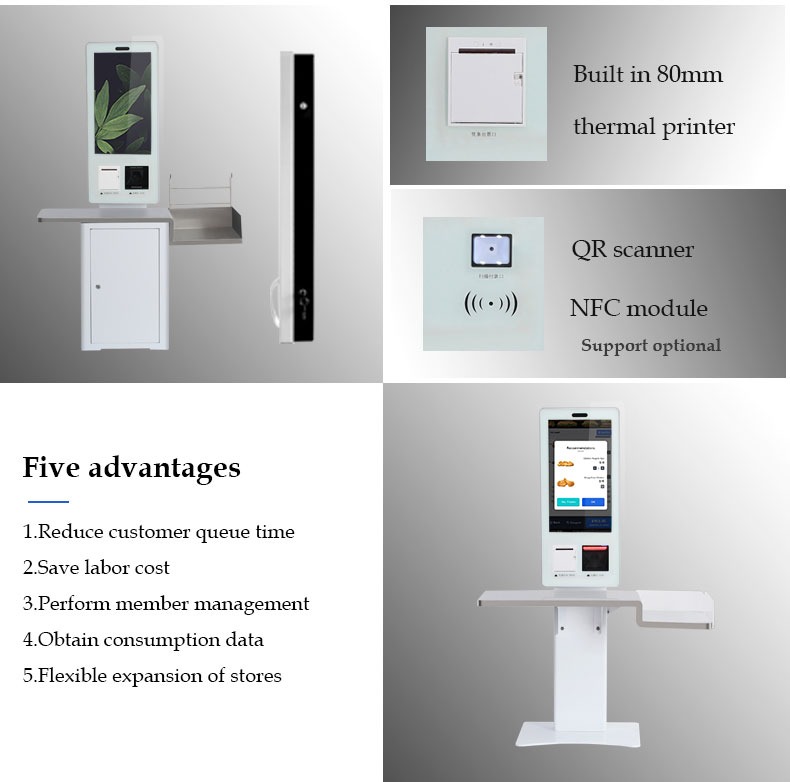
Une borne de paiement en libre-service avec imprimante de tickets est un terminal libre-service conçu pour permettre aux utilisateurs d'effectuer des opérations de paiement ou de passage en caisse sans dépendre entièrement d'un caissier.. Le modèle XTD utilise un écran tactile Full HD de 24 pouces, avec une option 32 pouces disponible, et prend en charge une imprimante thermique intégrée de 80 mm.
Le scanner QR intégré peut lire les informations de paiement ou de code-barres, tandis que le montage optionnel des appareils NFC et POS élargit la configuration de paiement. Par conséquent, vous pouvez adapter le terminal à différents environnements logiciels et de paiement plutôt que de vous fier à un modèle de déploiement fixe.
Configuration matérielle clé
Pour les projets commerciaux, vous pouvez sélectionner des configurations en fonction des exigences de traitement et de la compatibilité logicielle:
- 24-Écran FHD de 32 pouces ou 32 pouces
- 1920 × 1080 résolution
- 10-écran tactile capacitif ponctuel
- Imprimante thermique 80 mm intégrée
- Scanner de code QR intégré
- Processeur Intel J1900 avec options i3/i5/i7
- Options du système d'exploitation Android ou Windows
- 4Go de RAM et 64 Go de SSD en configuration Windows
- Connectivité Gigabit Ethernet et Wi-Fi
- Module NFC et montage POS en option
- Boîtier en alliage d'aluminium et tôle
Le terminal fonctionne de 100 à 240 V, 50/60Hz, avec une consommation électrique maximale de 60W. Sa température de fonctionnement spécifiée est de 0°C à 50°C, ce qui le rend adapté aux environnements commerciaux intérieurs typiques.
Pourquoi utiliser un kiosque de paiement automatique pour le commerce de détail et les restaurants?
Votre objectif de déploiement détermine la façon dont le kiosque doit être configuré. Donc, vous devez évaluer l'ensemble du flux de travail au lieu de choisir le matériel en fonction uniquement de la taille de l'écran.
| Application | Comment le kiosque prend en charge le flux de travail | Configuration utile |
|---|---|---|
| Vente au détail & dépanneurs | Caisse et paiement en libre-service | Scanner QR, imprimante, PDV |
| Restaurants à service rapide | Commande et auto-paiement | Écran tactile, imprimante, Paiement QR |
| Hôtels & hospitalité | Opérations libre-service pour les clients | Écran tactile, imprimante, réseau |
| Exposition & éducation | Inscription et billetterie | Scanner QR, écran tactile, imprimante |
Pour les projets de kiosques libre-service de vente au détail, l'imprimante fournit des reçus physiques lorsque les clients en ont besoin. Dans les environnements QSR, l'écran tactile peut prendre en charge les logiciels de commande et de paiement, tandis que le scanner QR aide à traiter les codes pendant le flux de paiement.
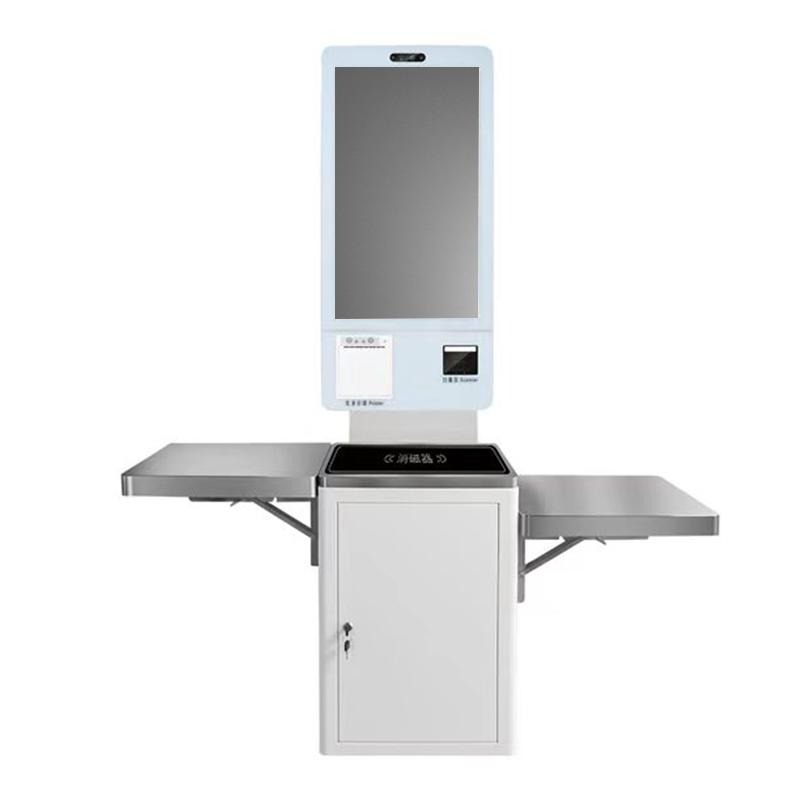
Pour les déploiements plus importants, vous pouvez également intégrer un appareil POS, plateau, ou caisse selon la conception de votre projet. Cette flexibilité est particulièrement utile lorsque vous avez besoin d'un kiosque de paiement en libre-service personnalisé avec point de vente au lieu d'un terminal standard..
Comment choisir un kiosque de paiement automatique avec imprimante de reçus
Avant de passer une commande, suivez ces étapes pour réduire les problèmes d’intégration:
- Définir le workflow de paiement. Déterminez si votre système utilise des codes QR, cartes, NFC, Terminaux de point de vente, ou une combinaison.
- Sélectionnez la taille d'affichage. Choisir 24 pouces pour un déploiement standard ou envisagez 32 pouces lorsque votre interface nécessite plus d'espace sur l'écran.
- Confirmez le système d'exploitation. Sélectionnez Windows ou Android en fonction de votre logiciel de paiement et de kiosque existant.
- Vérifier les exigences en matière de périphériques. Confirmez l'imprimante thermique, Scanner QR, Module NFC, Montage PLV, et interfaces disponibles.
- Revoir les conditions de déploiement. Vérifier l'alimentation, température de fonctionnement, accès au réseau, et espace d'installation physique.
- Discutez des exigences OEM/ODM. Renseignez-vous auprès du fabricant sur le logement, configuration matérielle, compatibilité logicielle, et les exigences de production avant la production de masse.
Ce processus vous aide à adapter le kiosque de paiement automatique avec scanner QR à votre application réelle plutôt que de sélectionner le matériel uniquement à partir d'une photographie du produit..
Pourquoi choisir XTD pour les terminaux de paiement libre-service?
Shenzhen Xingtongda Information Technology Co., Ltée. est spécialisé dans les bornes libre-service et les solutions d'équipements intelligents, y compris les machines de commande automatique, caisses enregistreuses libre-service, terminaux de paiement, bornes de billetterie, terminaux d'émission de cartes, et terminaux d'impression de rapports.
XTD déclare fournir des services OEM/ODM et disposer d'une gestion dédiée, R.&D, production, ventes, technique, et équipes après-vente. Son atelier de production comprend la fabrication de tôles et des équipements tels que les équipements de découpe laser Bystronic 4000KW et 3000KW., Machines à cintrer CNC, machines à riveter, matériel de soudage, lignes de production, lignes de test, et lignes vieillissantes.
L'entreprise présente également des certificats de produits et d'entreprise sur son site officiel. Lorsque vous évaluez un projet, vous pouvez demander les documents de certificat spécifiques applicables à votre marché cible, configuration du produit, et les exigences réglementaires plutôt que de s'appuyer sur des allégations de certification générales.
FAQ
1. Le kiosque comprend-il une imprimante de reçus ??
Oui. Ce modèle intègre une imprimante thermique 80 mm, permettre au terminal d'imprimer des reçus dans le cadre du flux de travail en libre-service.
2. Puis-je utiliser Windows ou Android?
Oui. XTD propose des configurations Windows et Android. La version Windows peut utiliser un processeur Intel J1900 avec des processeurs i3/i5/i7 en option, tandis que la configuration Android utilise une plateforme quadricœur RK3288.
3. XTD peut-il personnaliser le kiosque de paiement automatique?
Oui. XTD fournit des services OEM/ODM et prend en charge les options de configuration matérielle telles que la taille de l'écran, processeur, BÉLIER, stockage, Montage PLV, NFC, et autres exigences périphériques. Vous devriez confirmer votre logiciel, interface de paiement, et exigences d'installation physique avec XTD avant la production.
Conclusion
Si vous avez besoin d'un borne de paiement automatique avec imprimante de reçus, concentrez-vous sur le flux de travail complet du client, pas seulement l'écran ou le processeur. La borne de paiement libre-service XTD 24 pouces associe un écran tactile Full HD, 80imprimante thermique mm, Scanner QR, Options Windows ou Android, connectivité réseau, et intégration POS extensible pour le commerce de détail, QSR, hospitalité, et autres applications libre-service. En définissant votre mode de paiement, environnement logiciel, périphériques, et les conditions de déploiement à l'avance, vous pouvez sélectionner une configuration qui correspond aux exigences réelles de votre projet.
Appel à l'action
Contactez Shenzhen Xingtongda Information Technology pour discuter de votre projet de kiosque, y compris la taille de l'écran, système opérateur, Intégration QR/paiement, exigences de l'imprimante thermique, Montage PLV, Personnalisation OEM/ODM, et les besoins de certification du marché cible. Demandez une configuration matérielle détaillée et un devis avant de passer votre commande.